
8 Best AI Product Photography Tools for Ecommerce in 2026 With User Reviews
You finally get an AI-generated product photo that looks perfect, until you compare it with the actual product.
The product itself changes. The color may be slightly off, the label can lose details, or the shape and proportions may not match the original. Consistency across multiple images is difficult, too. A product can look accurate in one image and noticeably different when you generate another angle or scene.
And “realistic” isn’t necessarily “usable.” An image can look impressive at first glance but still feel wrong for an ecommerce product page or advertisement. AI images can still look obviously AI, especially when small details don’t look quite right or the final image needs too much fixing before it can actually be used.
That doesn’t mean AI product photography isn’t useful. It can turn a basic product photo into lifestyle scenes, model shots, catalog images, and ad creatives without requiring a traditional photoshoot for every variation. The challenge is finding an AI product photography tool that can produce commercially usable images while keeping the actual product accurate and consistent.
So, instead of judging these AI product photography tools purely by how impressive their demos look, we’re looking at what matters to an ecommerce business: product accuracy, image quality, consistency, ease of use, workflow, scalability, and cost.
Quick Comparison: Best AI Product Photography Tools
| Tool | Best For | Why Consider It |
|---|---|---|
| Rewarx Studio | Ecommerce & fashion product photography | It is particularly worth considering for swimwear and lingerie, where sheer and semi-transparent fabrics can be difficult for AI to reproduce accurately. Rewarx says this is one of its strongest capabilities and a major use case among its users. |
| Photoroom | Product listings & editing | It is worth considering if you want to handle product photography, background removal, AI backgrounds, and batch editing in one ecommerce-focused workflow. |
| Pixelcut | Quick product image creation | It is worth considering if you need to create clean product photos and lifestyle scenes quickly without dealing with a complicated editing workflow. |
| Claid | Large catalogs & automation | It is worth considering for businesses handling large product catalogs, especially when image generation, enhancement, and processing need to be automated at scale. |
| Flair AI | Creative product scenes | It is worth considering if your priority is creating more creative and customizable product scenes for advertising, social media, and marketing campaigns. |
| Pebblely | Lifestyle product images | It is worth considering if you want to turn basic product photos into lifestyle scenes and different backgrounds without needing advanced design skills. |
| Adobe Photoshop + Firefly | Professional editing & creative control | It is worth considering if you want generative AI alongside Photoshop's traditional editing tools, giving you more control over the final product image. |
| Kive | Brand consistency & creative workflows | It is worth considering if you need to maintain consistent visual styles across product photography and larger creative campaigns, rather than generating images individually. |
1. Rewarx Studio: AI Product Photography Tool
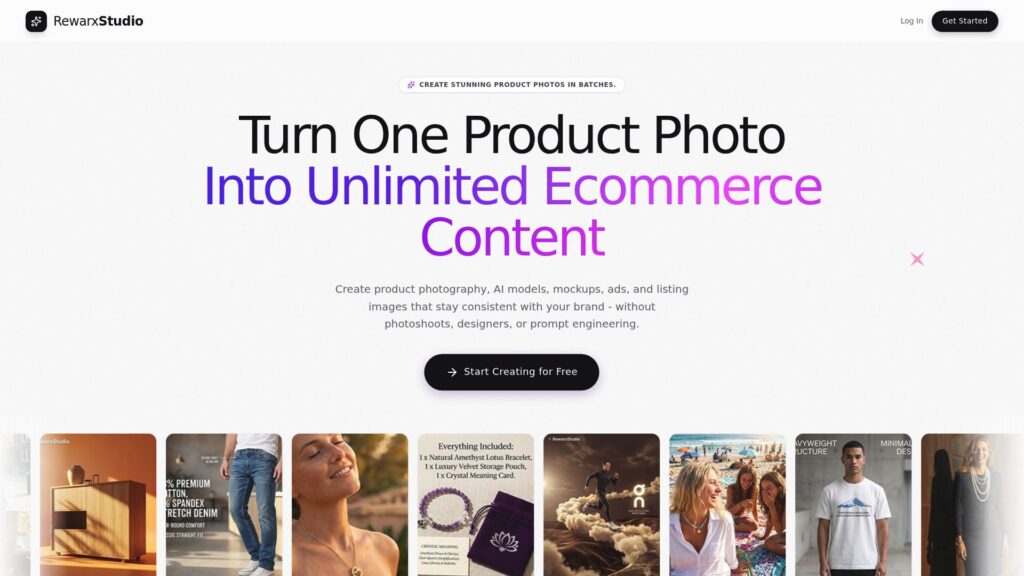
Rewarx Studio is one of the AI product photography tools worth considering if you’re mainly looking for fashion and ecommerce product photography. It stands out because it goes deeper into apparel-specific use cases than a general AI image editor. Its AI model photography and AI ghost mannequin tools are built around showing garments on models or creating the “invisible mannequin” look while retaining details such as garment structure and inner lining.
Another reason to consider it is swimwear and lingerie. Sheer and semi-transparent fabrics are notoriously difficult for AI product photography to reproduce accurately, but Rewarx specifically focuses on these categories and says they are among its strongest use cases.
Want to read complete details: Rewarx Studio: AI Product Photography Tool
What users are saying:
Reviewers praise its image quality, intuitive workflow, bulk editing, and the time and cost savings compared with traditional product photography. One ecommerce user specifically said it helped them create more image options for their website, while another highlighted how quickly it could handle bulk image editing and preserve product details.
There are some limitations in the feedback as well. One reviewer said the platform can occasionally generate unusable hallucinated images, while another found the batch generation feature wasn’t very useful for their workflow. A reviewer also noted that the newer platform still has some workflow quirks.
2. Photoroom: Photo Listings & Editing
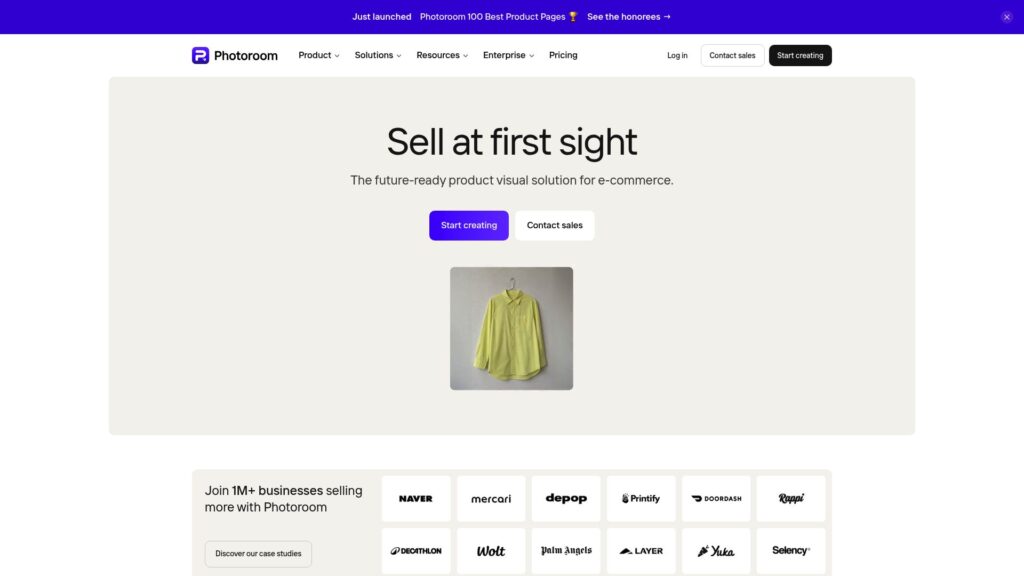
Photoroom is one of the AI product photography tools worth considering if you want more than just AI-generated product scenes. Its strength is the wider ecommerce editing workflow: you can remove backgrounds, create new product backgrounds, generate scenes, retouch images, and process multiple product photos without moving between several different tools.
It makes particular sense for sellers who need to clean up and prepare a large number of product listings quickly. Compared with more specialized tools, Photoroom is less about one specific type of product photography and more about giving ecommerce sellers a practical workflow for turning basic product photos into ready-to-use listing and marketing images.
What users are saying:
Photoroom gets a lot of praise for saving time on repetitive product-photo work. Long-term users say it makes creating clean product images much faster than editing everything manually, especially when handling a large number of listings. G2 reviewers also commonly highlight its ease of use, background removal, batch editing, and AI-generated backgrounds.
However, the user feedback isn’t entirely positive. Some sellers on Reddit report problems with AI-generated backgrounds, inaccurate cutouts, and limitations when working with larger batches. Other users have also raised concerns that heavily edited listing photos can sometimes make products look less natural or accurately represented.
3. Pixelcut: Quick Product Image Creation
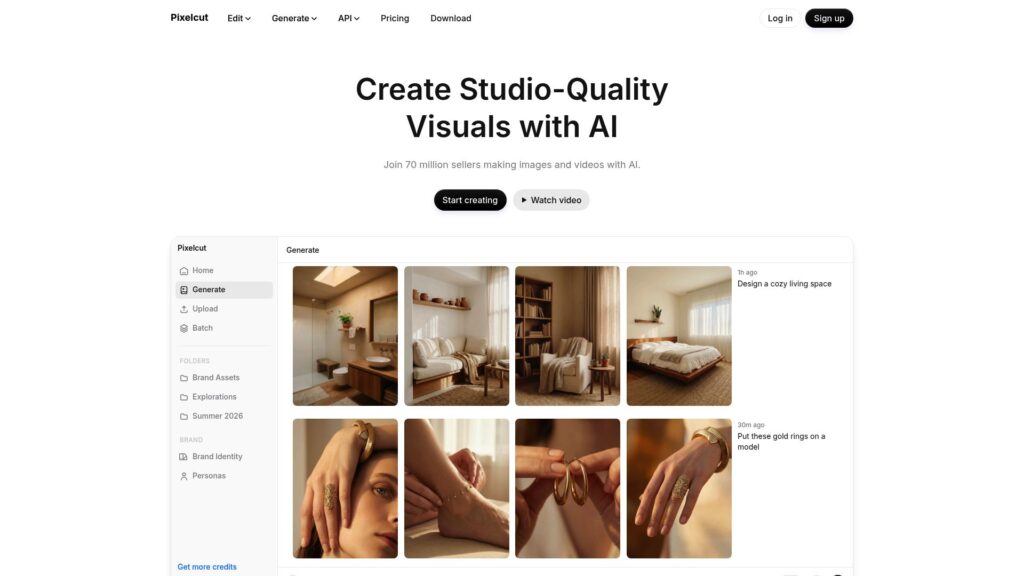
Pixelcut is one of the AI product photography tools worth considering if your priority is creating clean product images quickly without a complicated editing workflow. It is particularly suited to small ecommerce sellers and creators who want to turn basic product photos into polished listing or marketing images without needing advanced design skills.
Its appeal is mainly the speed and simplicity. Compared with more specialized product-photography platforms, Pixelcut gives you a broader editing workflow, making it useful when you want to remove backgrounds, clean up images, create new scenes, or prepare several product photos without switching between multiple tools.
What users are saying:
Pixelcut gets positive feedback for being easy to use and saving time on product-photo editing. App Store reviewers mention using it for product pictures, background changes, and small-business content, while another recent reviewer said its batch editing saves significant time.
However, the feedback also shows some of the limitations of AI editing. Recent Google Play reviews report problems with generated text, image changes, and credits being consumed when multiple attempts are needed. An App Store reviewer also reported that some of Pixelcut’s editing tools became less accurate after updates.
4. Claid: AI Product Photography for Large Catalogs
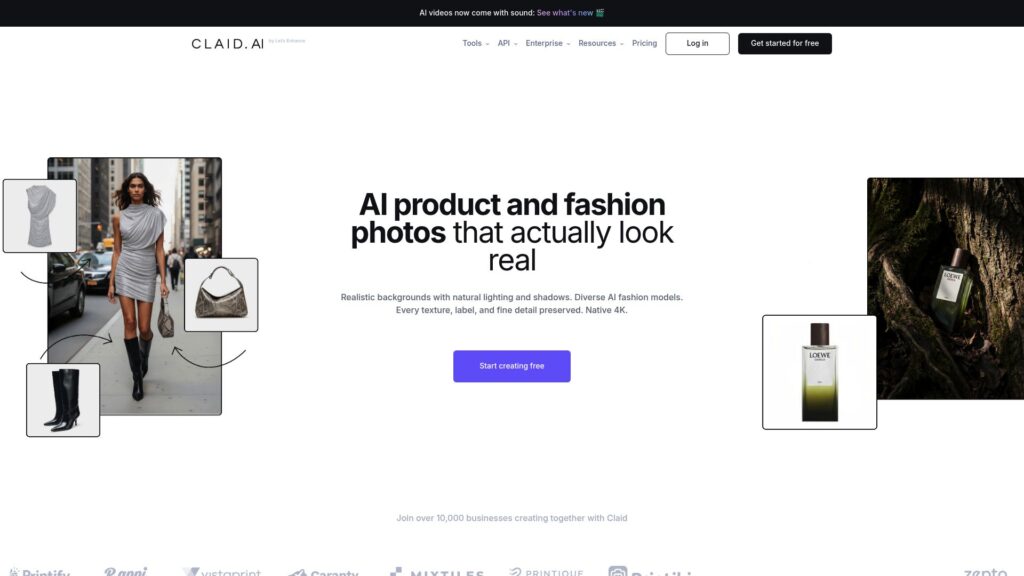
Claid is one of the AI product photography tools worth considering if you’re working with a large product catalog and need more than occasional AI-generated images. Its main advantage is the focus on automating product-image processing at scale, from cleaning up inconsistent supplier photos to generating polished product visuals for ecommerce listings, campaigns, and ads.
That makes Claid more relevant for ecommerce teams that need consistent images across hundreds or thousands of products, rather than someone who only wants to create a few lifestyle images. Its API and automated workflows can also fit into existing product feeds, CMS, PIM, or DAM systems, which gives it an edge over simpler AI product photography tools when image processing needs to become part of a larger workflow.
What users are saying:
A G2 reviewer said the tool helped improve photo quality regardless of the phone used to capture the original image, while Product Hunt reviews highlight its automated editing and ability to keep product imagery more consistent.
There is also evidence that AI-generated product images still need human judgment. In a Reddit discussion, a user who tested Claid said the generated images looked good but could still appear obviously AI-generated, particularly around lighting, and suggested that additional editing might be needed to make the results fully believable.
5. Flair AI: Creative Product Photography
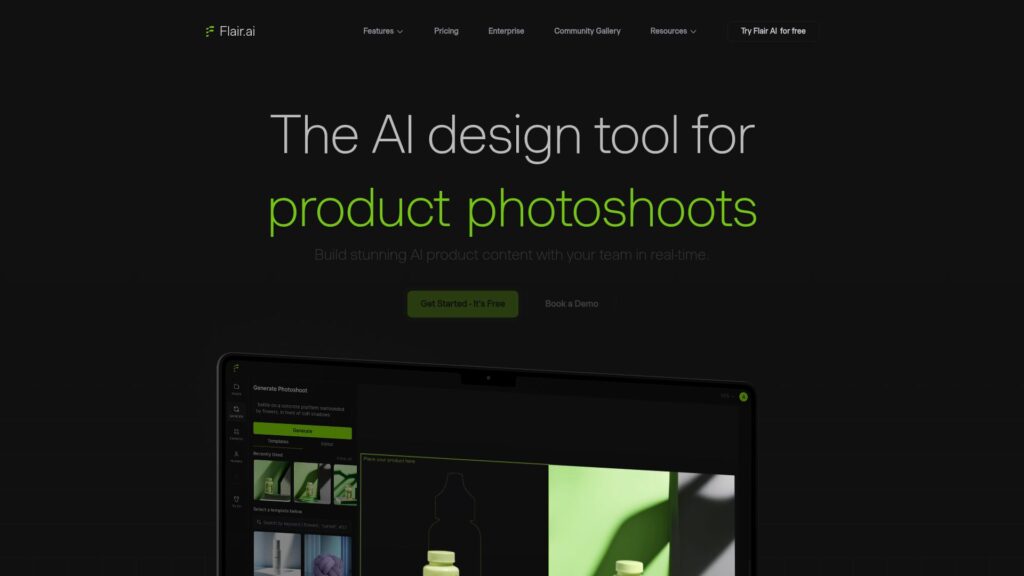
Flair AI is one of the AI product photography tools worth considering if you want more control over how your product is presented in a scene. Instead of only generating a finished image from a prompt, Flair lets you build product scenes with backgrounds, props, models, and other visual elements, making it particularly useful for creative campaigns, social media, and advertising.
It makes more sense for brands that want to create different visual concepts around the same product rather than simply clean up existing product photos. The drag-and-drop workflow and reusable templates can also make it easier to keep a similar visual direction across multiple campaigns.
What users are saying:
G2 reviewers have highlighted its intuitive workflow, quick generation of marketing visuals, and usefulness for creating different product concepts for social media, ads, and ecommerce.
However, AI-generated product imagery still has limitations. In a recent Reddit discussion, a user testing Flair alongside other tools noted that product accuracy, packaging text, colors, and other small details remain important concerns when deciding whether an AI-generated image is actually suitable for a product page or advertisement. Another user in an earlier product photography discussion said Flair produced good results, while noting that AI product photography can still require experimentation to get the desired output.
6. Pebblely: Simple Lifestyle Product Images

Pebblely is one of the AI product photography tools worth considering if you already have decent product photos and mainly want to turn them into more polished lifestyle or marketing images. Rather than completely recreating the product, its core workflow focuses on keeping the original product while generating new backgrounds and scenes around it.
That makes it particularly useful for small ecommerce brands that need more visual variety without arranging a new photoshoot for every campaign. Compared with broader AI design tools, Pebblely is more focused on product imagery, although independent testing has found that generated backgrounds can sometimes contain artifacts or require additional editing before they’re ready to use.
What users are saying:
Pebblely receives positive feedback for being easy to use and helping small businesses create more appealing product visuals. Product Hunt reviewers have praised its background removal and ability to make ordinary product photos more suitable for marketing, although users have also mentioned limitations with prompts and the free credits.
The negative feedback is more relevant when accuracy matters. A recent Trustpilot reviewer complained that the tool sometimes altered the original product and required repeated generations that consumed credits. Independent testing has also found rough edges, background distortions, and inconsistent results between generated backgrounds, meaning the output may still need manual checking before being used commercially.
7. Adobe Photoshop + Firefly: Best for Professional Control
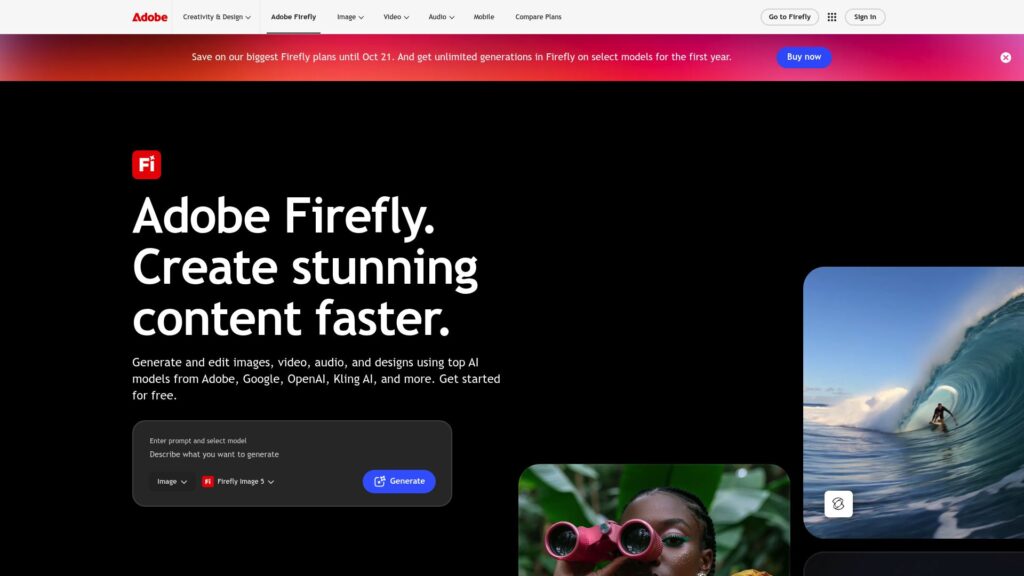
Adobe Photoshop + Firefly is one of the AI product photography tools worth considering if you want AI generation without giving up detailed control over the final image. Instead of relying entirely on an AI-generated result, you can use Firefly’s generative tools inside Photoshop and then manually adjust the product, background, lighting, shadows, and other details.
That makes it particularly useful for professional ecommerce teams, designers, and brands where product accuracy matters. Compared with simpler AI product photography tools, Photoshop gives you more room to fix the small imperfections that can make an AI-generated product image look unrealistic or unsuitable for a product listing.
What users are saying:
Photoshop receives strong feedback from professional designers and ecommerce users because it gives them extensive control over the final image. G2 reviewers frequently mention its powerful editing capabilities, while users also highlight how generative AI features can speed up tasks that previously required manual editing.
However, Photoshop has a steeper learning curve than dedicated AI product photography tools. Some Reddit users also point out that generative features can produce inconsistent results, particularly when small product details, text, or precise changes need to be preserved.
8. Kive: AI Product Photography for on-Brand Visuals
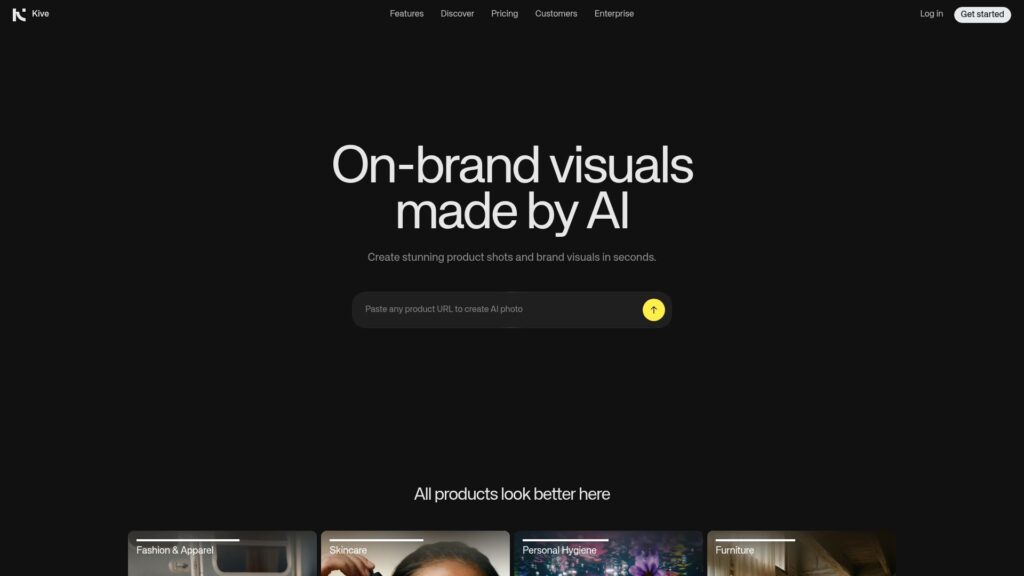
Kive is one of the AI product photography tools worth considering if your product images need to fit into a broader creative workflow. Rather than focusing only on generating individual product photos, Kive is designed around organizing visual references, developing creative concepts, and keeping a consistent visual direction across projects.
That makes it more relevant for creative teams, agencies, and brands working on multiple campaigns where maintaining a recognizable visual style matters. Compared with simpler AI product photography tools, Kive is less about producing a single finished product image quickly and more about helping teams develop and manage a consistent visual system around their products.
What users are saying:
Kive receives positive feedback for helping creative teams organize visual references and build moodboards without relying on scattered folders and image libraries. G2 reviewers highlight its visual organization, intuitive interface, and usefulness for managing creative inspiration.
However, Kive is not as focused on straightforward ecommerce product-photo editing as tools such as Photoroom or Pebblely. Some users also mention that the platform can take time to learn and that certain workflows could be more streamlined, so it may be more useful for teams with a broader creative process than for sellers who simply need product images quickly.
Frequently Asked Questions (FAQs)
1. Can AI replace traditional product photography?
Not completely and it probably shouldn’t. AI is very effective for creating lifestyle scenes, backgrounds, model imagery, variations, and other repetitive visual work. But you still need a good source photo and human review, particularly when product shape, color, packaging, text, or material accuracy matters. Current ecommerce guidance increasingly recommends a hybrid workflow: use real product references for accuracy and AI for creative variations and scale.
2. Are AI product photography tools worth it for ecommerce?
They can be, especially if you need to create multiple product images, lifestyle scenes, backgrounds, or ad creatives without arranging a new photoshoot for every variation. They are particularly useful for businesses with large catalogs or frequent content needs, but you should still review the final images for product accuracy before publishing them.
3. How accurate are AI-generated product photos?
Accuracy varies significantly between AI product photography tools and the type of product you’re generating. Tools such as Rewarx Studio are more focused on preserving apparel details, while Photoroom, Pixelcut, and Pebblely are useful for creating or editing ecommerce product images but can still alter small details or generate unwanted changes. Claid is more suitable for processing large product catalogs, while Flair AI and Kive are better suited to creative scenes and visual workflows. Adobe Photoshop + Firefly gives you more manual control to correct AI-generated results.
4. Can AI product photography work for fashion and clothing?
Yes. AI product photography can work well for fashion and clothing, especially for creating model shots, ghost mannequin images, lifestyle scenes, and variations of existing product photos. Rewarx Studio is particularly focused on fashion use cases, including AI model photography, ghost mannequin images, swimwear, lingerie, and sheer or semi-transparent fabrics. Flair AI can also be useful when you want to create more creative fashion scenes, while Photoroom, Pixelcut, and Adobe Photoshop + Firefly can help with editing and generating different product visuals.
5. Do I still need a photographer if I use an ecommerce product photography tool?
Not necessarily. AI product photography tools can reduce the need for traditional photoshoots, especially for background changes, lifestyle scenes, product variations, and ecommerce listing images. Tools such as Photoroom, Pixelcut, Pebblely, and Flair AI can turn basic product photos into different marketing visuals, while Rewarx Studio is more focused on fashion and apparel photography.
However, AI works best when you start with a good, accurate photo of the actual product. For new products, complex packaging, highly detailed items, or images where exact colors and proportions are important, professional photography can still be useful. A practical workflow is to photograph the real product once and then use AI to create additional scenes and variations.
Conclusion
AI product photography can save time and money, but the best-looking image isn’t always the most accurate one. Product details, colors, proportions, and consistency still need to be checked before using an AI-generated image commercially.
The right tool depends on your needs: Rewarx Studio for fashion, Photoroom and Pixelcut for everyday ecommerce editing, Claid for larger catalogs, Flair AI for creative scenes, and Adobe Photoshop + Firefly when you want more control.

Harman Singh is the founder of Foundigy and a digital marketing professional building his career in SEO, content, and the technology space. He is passionate about discovering emerging products, understanding how people find them online, and creating content that makes complex digital topics easier to understand. His work combines his experience in SEO with his interest in startups, technology, and the evolving digital landscape.