VoiceToInstrument
AI Powered Voice to Instrument Converter
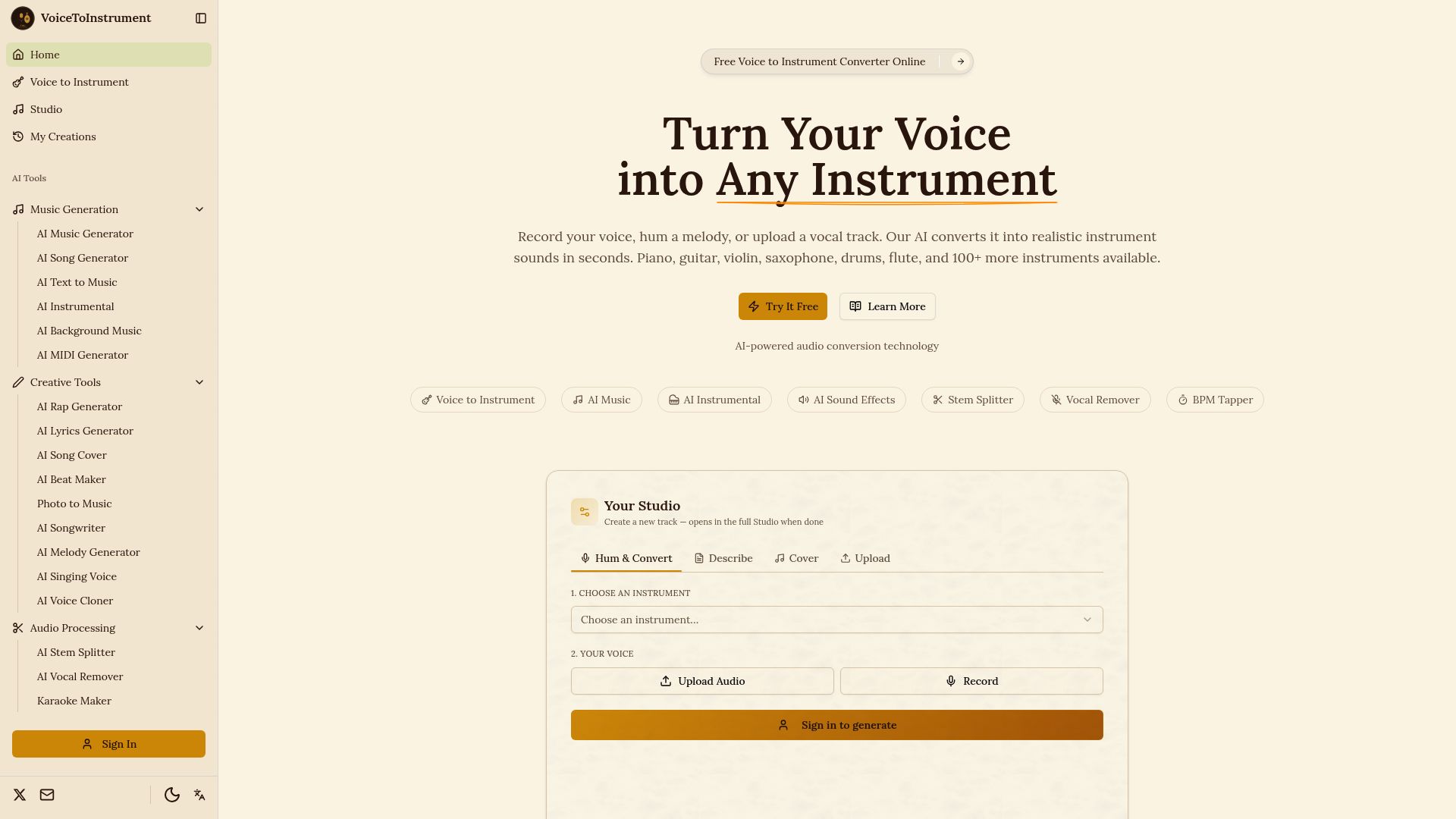
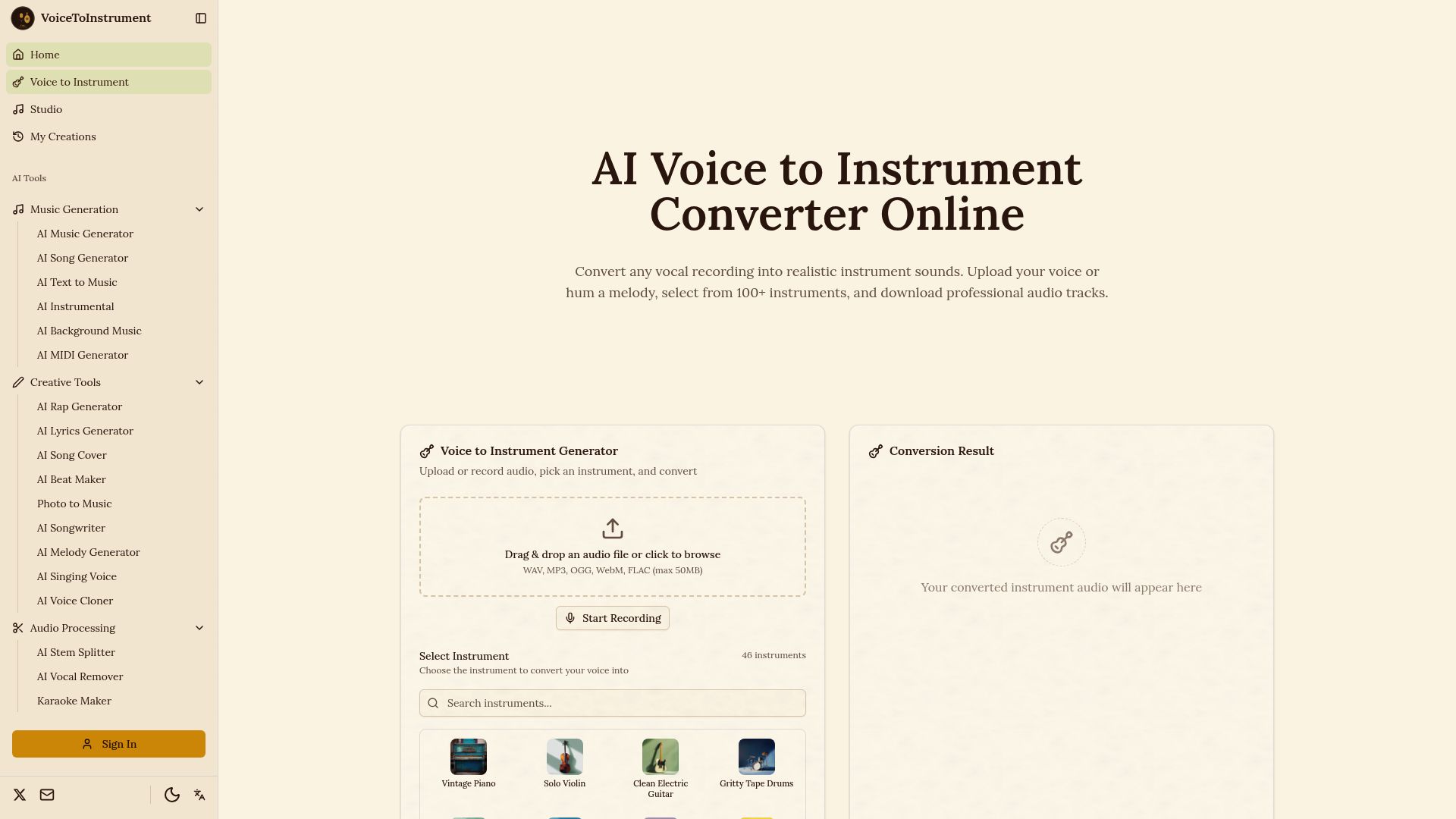
Have a melody stuck in your head but don’t know how to play it on an instrument? VoiceToInstrument lets you turn your musical ideas into royalty-free instrument tracks using your own voice. As an AI-powered voice to instrument converter, it lets you record your voice, hum a melody, or upload a vocal recording and transform it into realistic instrument sounds. Whether you’re a songwriter sketching an idea, a producer testing arrangements, or simply someone who can hear a melody but can’t play it, you can use your voice as the starting point—without needing music theory or instrumental skills.
Looking for a way to turn a “la-la-la” melody into an actual instrument? VoiceToInstrument is built for exactly that. Its AI analyzes your vocal pitch, timing, rhythm, and expression, then recreates the performance using your chosen instrument while keeping the original melody intact. Use it as a humming to instrument or singing to instrument tool or upload an existing vocal track for fast conversion. You can even use it as a vocal to instrument converter to experiment with different arrangements before committing to a final recording. Wondering how a voice can become an instrument? Take a look at how Justin Bieber’s Where Are Ü Now famously transformed vocal sounds into its distinctive instrumental elements (https://www.instagram.com/reel/DcfzuCogOwx/?igsi=ajA0eWp1cThtenN1).
Choose from 100+ instrument models, including acoustic guitar, electric piano, violin, saxophone, flute, drums, cello, trumpet, bass, keyboards, brass, woodwinds, strings, and more. If you’re specifically looking for a voice to guitar converter, you can turn a sung or hummed melody into guitar parts; you can also test the same idea across piano, strings, brass, percussion, and other instruments. The platform’s multi-instrument workflow lets songwriters and composers convert separate vocal ideas into guitar, piano, bass, and drum parts and layer them into a complete arrangement.
Beyond voice conversion, VoiceToInstrument includes a broader collection of AI audio tools for music creation, including an AI Music Generator, AI Song Generator, AI Text to Music, AI Instrumental Generator, AI MIDI Generator, AI Beat Maker, AI Stem Splitter, AI Vocal Remover, AI Sound Effects Generator, AI Music Remixer, and AI Music Extender. It works directly in the browser with no software or plugins to install, and converted tracks can be exported as WAV, MP3, OGG, or FLAC.
Key Highlights
- Voice to Instrument Converter: Transform humming, singing, or vocals into realistic instrument tracks.
- 100+ Instruments: Create melodies with guitars, piano, drums, violin, saxophone, and more.
- Royalty-Free Tracks: Generate music you can use across your creative projects.
- Record or Upload: Record your voice or upload an existing vocal track to get started.
- Flexible Export: Download your finished tracks in WAV, MP3, OGG, or FLAC.
Frequently Asked Questions (FAQs)
1. Is there an AI tool/software that lets me hum or “la-la-la” a tune and convert it into any musical instrument?
Yes, VoiceToInstrument lets you record or upload a hummed or sung melody and transform it into an instrument track using AI.
2. I have a melody in my head/voice but can't play it on an instrument. Can AI turn it into an instrument?
Yes, you can use your voice as the starting point and let VoiceToInstrument recreate your melody with a selected instrument, even if you don’t know how to play that instrument.
3. Can I hum a melody and turn it into an instrument?
Yes, VoiceToInstrument can convert a hummed melody into an instrument performance while analyzing elements such as pitch, timing, rhythm, and expression.
4. Can I turn my singing or humming into an instrumental track?
Yes, you can record or upload your vocal performance and convert it into an instrumental version using your chosen instrument.
5. Do I need to know how to play an instrument to use VoiceToInstrument?
No, you can start with a melody by humming or singing it, making the tool useful even if you don’t have instrumental or music theory skills.
6. Can I use my own voice recording as the input?
Yes, you can record your voice directly or upload an existing vocal recording to use as the source for your instrument conversion.