
Top 5 Best Repurpose.io Alternatives in 2026
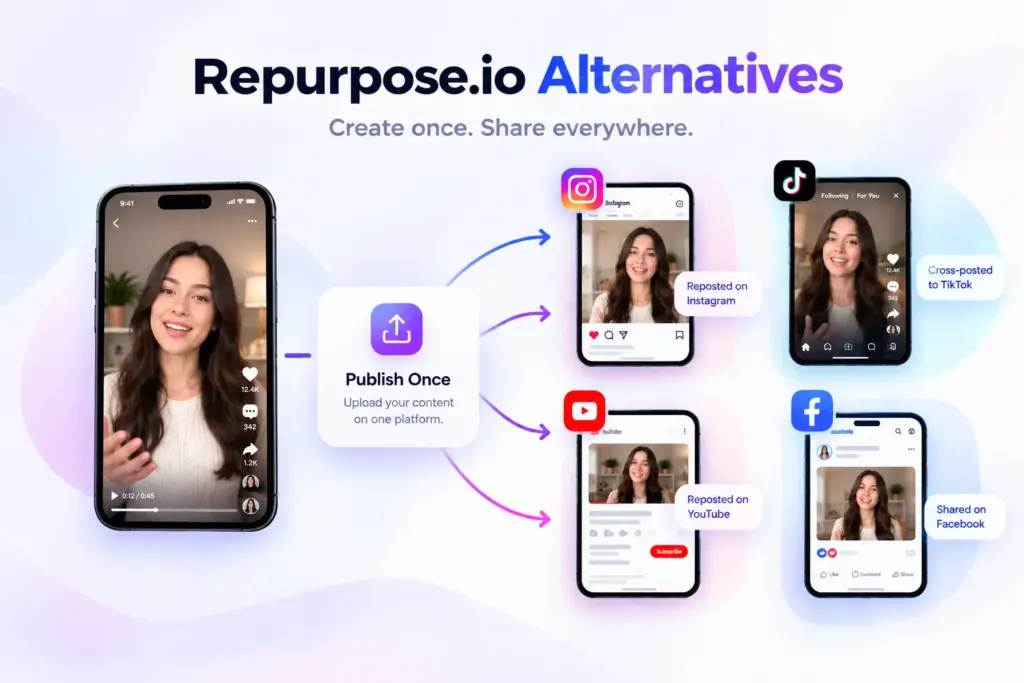
Let’s say it takes you around 2–4 minutes to upload a video, add its caption and description, and publish it on one social media platform. Now, imagine doing the same thing for YouTube, Instagram, Facebook, TikTok, Pinterest, and X. That’s six platforms, which could mean 12–24 minutes just to republish the same content. Add the time spent switching between apps, checking uploads, and taking a short break, and you’re looking at around 30–40 minutes spent distributing a single video.
Now, from the topic itself, you can probably guess that this blog post is about Repurpose.io alternatives. But we’re not here to fill the internet with just another alternatives list. Personally, I feel there’s more to this than simply finding another tool that does the same job. Issues like poor video quality, inconsistent video dimensions, and unhelpful customer support can make the experience frustrating, even when a tool is supposed to make your work easier.
So, if you’re looking for a tool that can make content distribution easier without compromising on the features that matter to you, you’re in the right place. I’ve explored 5 Repurpose.io alternatives, each with its own approach to content repurposing. Let’s see which ones are worth your time and money.
5 Best Repurpose.io Alternatives: Quick Comparison
| Platform | Free Tier | Paid Plan Starts At | Supported Platforms |
|---|---|---|---|
| Repostit | 14-day free trial with 10 published posts, one account per platform, and up to 3 workflows. No credit card required. | $5/month, or $4/month billed annually, on Basic. Includes 10 video posts. | TikTok, Instagram, Facebook, and YouTube, including Instagram Reels, Facebook Reels, and YouTube Shorts. |
| OneUp | 7-day free trial; no permanent free plan advertised. | $25/month for Basic, or $15/month billed annually ($180/year). | Facebook, Instagram, LinkedIn, Google Business Profile, Pinterest, Reddit, Snapchat, Bluesky, Threads, X, TikTok, and YouTube. Automatic cross-posting sources are currently limited to Facebook, Instagram, and TikTok. |
| PostOnce | Free-trial duration not confirmed on the official page reviewed. | Creator: $261/year billed annually (about $0.72/day). Pro costs $621/year, and Agency costs $1,791/year. | Instagram, TikTok, YouTube, Facebook, and LinkedIn are listed on its official homepage. Check the current account setup for additional channel availability. |
| Crosspost | 7-day free trial with 24/7 auto-republishing, analytics, and an AI caption assistant. | $25/month, or $16/month billed annually ($192/year). | TikTok, Instagram Reels, and YouTube Shorts. |
| Blotato | 7-day free trial with access to features (excluding the API) and limited AI credits for image and video generation. | $29/month for Starter. Creator costs $97/month, and Agency costs $499/month. | Instagram, TikTok, YouTube, Facebook, LinkedIn, X, Threads, Bluesky, and Pinterest. |
1. Repostit
Best For: Automatically reposting videos across social media platforms
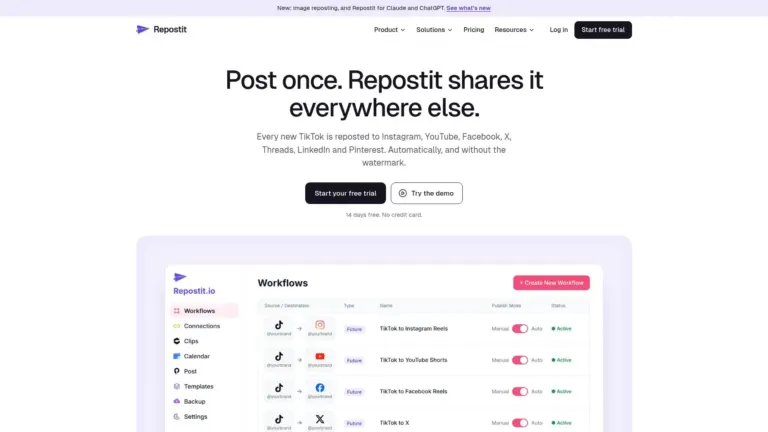
Repostit is a close Repurpose.io alternative that helps you share videos across multiple platforms without uploading each one manually. It can resize videos, remove TikTok watermarks, and transfer captions and hashtags, making content distribution easier.
You can also schedule posts, repost older videos, and manage multiple social media accounts from one place. If you regularly publish videos on TikTok, Instagram, YouTube, or other supported platforms, Repostit can help reduce the time you spend republishing content.
Explore Complete Details: Repostit
Pros:
Automatically reposts videos across supported social media platforms.
Resizes videos and removes TikTok watermarks before reposting.
Transfers captions and hashtags to reduce repetitive work.
Supports post scheduling and reposting older videos.
Plans start at $5/month for 10 video posts.
Cons:
The Basic plan includes only 10 video posts.
You can connect only one account per social media platform on the Basic plan.
Repurpose.io vs. Repostit: Quick Comparison
| Feature | Repurpose.io | Repostit |
|---|---|---|
| Starting price | $35/month | $5/month |
| Main purpose | Repurpose content across social platforms | Automatically repost videos across social platforms |
| Video resizing | Yes | Yes |
| TikTok watermark removal | Available | Available |
| Post scheduling | Yes | Yes |
| Best for | Creators who want more ways to repurpose content | Creators who want affordable video reposting automation |
| Why switch? | — | Choose Repostit if you want a lower-cost tool focused on automated video reposting. |
2. OneUp
Best For: Automatically cross-posting videos and images across social media platforms
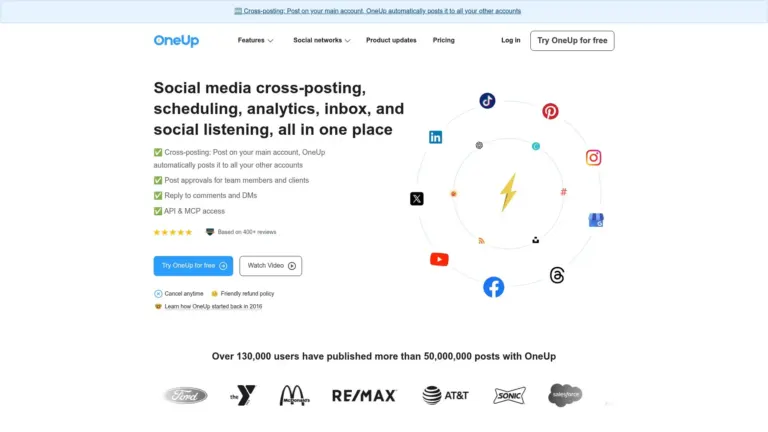
OneUp is a social media automation tool that helps you publish the same content across multiple platforms automatically. Once you connect your accounts and choose a source account, it can repost your videos and images to your selected social channels whenever you publish new content.
You can also set up workflows to share existing posts, so you don’t have to upload everything manually. If you’re looking for a Repurpose.io alternative that automates cross-posting across social media, OneUp is worth considering.
Pros:
Automatically cross-posts videos and images from a source account.
Supports platforms including Instagram, Facebook, TikTok, YouTube, LinkedIn, and X.
Can repost existing content from your account.
Lets you choose which accounts receive each post.
Supports automatic content recycling at selected intervals.
Cons:
Only Instagram, Facebook, and TikTok can be used as source accounts.
Image and video cross-posting require separate workflows.
The Basic plan includes only one cross-posting workflow.
Repurpose.io vs. OneUp: Quick Comparison
| Feature | Repurpose.io | OneUp |
|---|---|---|
| Starting price | $35/month | $25/month, or $15/month billed annually |
| Automatic cross-posting | Yes | Yes |
| Supported source platforms | YouTube, TikTok, Instagram, Facebook, Snapchat, Pinterest, LinkedIn, X, Threads, Bluesky, Twitch, Google Drive, and Dropbox | Instagram, Facebook, and TikTok |
| Best for | Automating content distribution across multiple platforms | Automatically sharing posts across social accounts |
| Why switch? | — | Choose OneUp if you want cross-posting automation combined with social media scheduling and management tools. |
3. PostOnce
Best For: Automatically cross-posting new videos and posts from one social media platform to multiple connected accounts
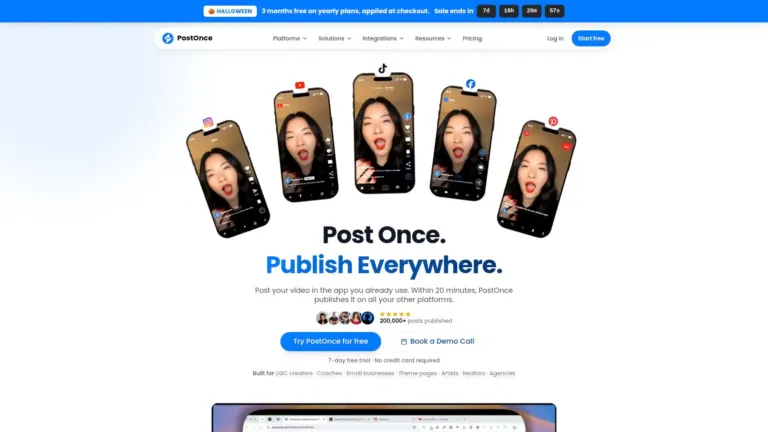
PostOnce is one of the Repurpose.io alternatives that helps you automatically cross-post content across multiple social media platforms. Once you publish a video or photo on a connected source platform, PostOnce can share it with your other connected accounts, reducing the need to download and upload the same content manually.
It supports platforms such as Instagram, TikTok, YouTube, Facebook, LinkedIn, X, Threads, Bluesky, and Pinterest. You can also use it to back up your social media content and keep your posts available across platforms.
Pros:
Automatically cross-posts new content from one social media platform to other connected accounts.
Supports platforms including Instagram, TikTok, YouTube, Facebook, LinkedIn, X, Threads, Bluesky, and Pinterest.
Lets you schedule posts and manage cross-posting workflows from one place.
Supports existing-content reuse and image repurposing.
Cons:
The free plan has limited cross-posting workflows and reposts.
Some posts may require manual adjustments to display correctly on different social media platforms.
Repurpose.io vs. PostOnce: Quick Comparison
| Feature | Repurpose.io | PostOnce |
|---|---|---|
| Starting price | $35/month | $261/year, billed annually |
| Automatic cross-posting | Yes | Yes |
| Content scheduling | Yes | Yes |
| Existing-content reuse | Yes | Yes |
| Main focus | Automated content repurposing and distribution | Automatic cross-posting across social platforms |
| Why switch? | — | Choose PostOnce if you want automatic cross-posting across social platforms with scheduling and content management in one place. |
4. Crosspost
Best For: Automatically reposting short-form videos across TikTok, Instagram Reels, and YouTube Shorts
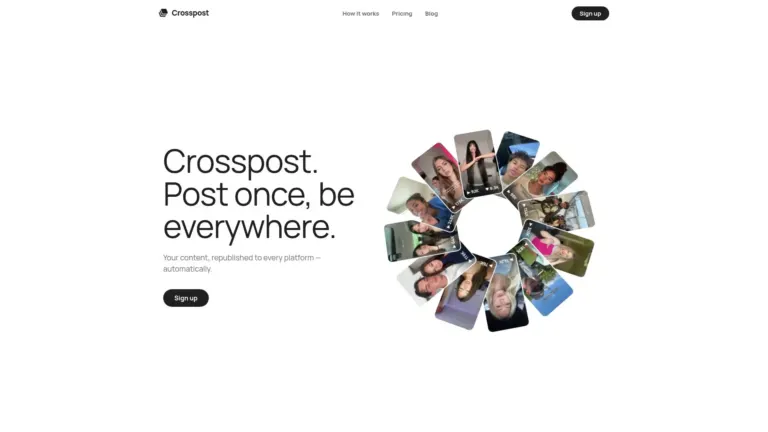
Crosspost is one of the Repurpose.io alternatives that automatically republishes your videos across connected social media accounts. Once you publish content on a source platform, it can share that content on other connected platforms without requiring you to upload each video manually.
It supports TikTok, Instagram Reels, and YouTube Shorts, with automatic reposting, a review queue, analytics, and options for reusing older videos. However, TikTok publishing requires you to publish from drafts yourself.
Pros:
Automatically republishes videos to connected social media accounts.
Keeps the original video quality when reposting.
Includes a review queue so you can approve cross-posts before they go live.
Lets you reuse older videos from your content library.
Includes analytics and an AI caption assistant.
Cons:
TikTok cross-posts are saved as drafts and must be published manually.
Automatic cross-posting is limited to five posts per 24 hours.
Repurpose.io vs. Crosspost: Quick Comparison
| Feature | Repurpose.io | Crosspost |
|---|---|---|
| Starting price | $35/month | $25/month |
| Supported platforms | TikTok, Instagram, Facebook, YouTube, Snapchat, Pinterest, LinkedIn, X, Threads, Bluesky, Twitch, Amazon, Google Drive, and Dropbox | TikTok, Instagram Reels, and YouTube Shorts |
| Automatic cross-posting | Yes | Yes |
| Content scheduling | Yes | Automatic reposting when you publish |
| Best for | Repurposing content across social media and cloud platforms | Automatically reposting short-form videos across social platforms |
| Why switch? | — | Choose Crosspost if you mainly publish short-form videos and want them automatically reposted to TikTok, Instagram Reels, and YouTube Shorts without manual uploads. |
5. Blotato
Best For: Creating, repurposing, and publishing content across multiple social media platforms using AI

Blotato is one of the Repurpose.io alternatives that helps you turn existing content into posts for multiple social media platforms. You can repurpose YouTube videos, articles, and text into platform-specific content, then schedule and publish everything from one place.
It also includes AI writing, image and video generation, and social media publishing for platforms such as Instagram, TikTok, YouTube, Facebook, LinkedIn, X, Threads, Bluesky, and Pinterest. Unlike tools focused mainly on reposting existing videos, Blotato also helps you create new content for different platforms.
Pros:
Turns existing videos, articles, and text into content for different social platforms.
Supports scheduling and publishing across multiple social media accounts.
Includes AI tools for writing captions, generating images, and creating videos.
Supports up to 20 social media accounts on the Starter plan.
Cons:
Analytics lack detailed performance reports, so you may need to check individual social media platforms for more insights.
Some posts fail to publish, and the error messages don’t always explain what went wrong.
Repurpose.io vs. Blotato: Quick Comparison
| Feature | Repurpose.io | Blotato |
|---|---|---|
| Starting price | $35/month | $29/month |
| Supported platforms | TikTok, Instagram, Facebook, YouTube, Snapchat, Pinterest, LinkedIn, X, Threads, Bluesky, Twitch, Google Drive, and Dropbox | Instagram, TikTok, YouTube, Facebook, LinkedIn, X, Threads, Bluesky, and Pinterest |
| Automatic cross-posting | Yes | Yes |
| Content creation | Focuses on repurposing existing content | Includes AI writing, image generation, and video generation |
| Content scheduling | Yes | Yes |
| Why switch? | — | Choose Blotato if you want AI-powered content creation alongside social media cross-posting, rather than focusing mainly on content repurposing automation. |
Frequently Asked Questions (FAQs)
1. Does Repurpose.io sometimes fail to publish posts automatically?
Some users report that Repurpose.io workflows can disconnect or stop publishing posts automatically. This may interrupt content distribution across platforms such as TikTok, Instagram, YouTube, Facebook, and LinkedIn. If you’re exploring Repurpose.io alternatives, tools like Repostit, Crosspost, Blotato, PostOnce, and OneUp offer other ways to automate cross-posting.
2. Are there complaints about Repurpose.io's cancellation and billing process?
Some users report difficulties cancelling their Repurpose.io subscriptions or resolving billing and refund issues. Before signing up, review the cancellation policy and billing terms. You should also compare the subscription plans and cancellation policies of alternatives such as Repostit, Crosspost, Blotato, PostOnce, and OneUp.
3. Does Repurpose.io have video quality or scheduled publishing issues?
Some users report inconsistent video quality and posts that don’t publish as scheduled. If you use Repurpose.io to cross-post videos to TikTok, Instagram, YouTube, Facebook, or LinkedIn, check the published content to ensure it appears correctly. When comparing alternatives like Repostit, Crosspost, Blotato, PostOnce, and OneUp, review their video publishing features and supported platforms before choosing a tool.
Conclusion
Repurpose.io is a useful tool for automating content distribution across social media, but it may not suit every creator or business. If you’re looking for Repurpose.io alternatives, Repostit and Crosspost focus on automated video reposting, PostOnce and OneUp offer cross-posting workflows, while Blotato combines content repurposing with AI-powered content creation.
Before choosing a tool, compare its pricing, supported social media platforms, automation features, and publishing limits. The right choice depends on whether you want to repost existing videos automatically, cross-post content between accounts, or create and publish content across multiple platforms.
What Do You Think?
Have you tried any of these Repurpose.io alternatives, or do you use another tool to repurpose your content? We’d love to hear which tool works best for you, so share your experience in the comments below!

Harman Singh is the founder of Foundigy and a digital marketing professional building his career in SEO, content, and the technology space. He is passionate about discovering emerging products, understanding how people find them online, and creating content that makes complex digital topics easier to understand. His work combines his experience in SEO with his interest in startups, technology, and the evolving digital landscape.