Top 5 Best OCR Software of 2026
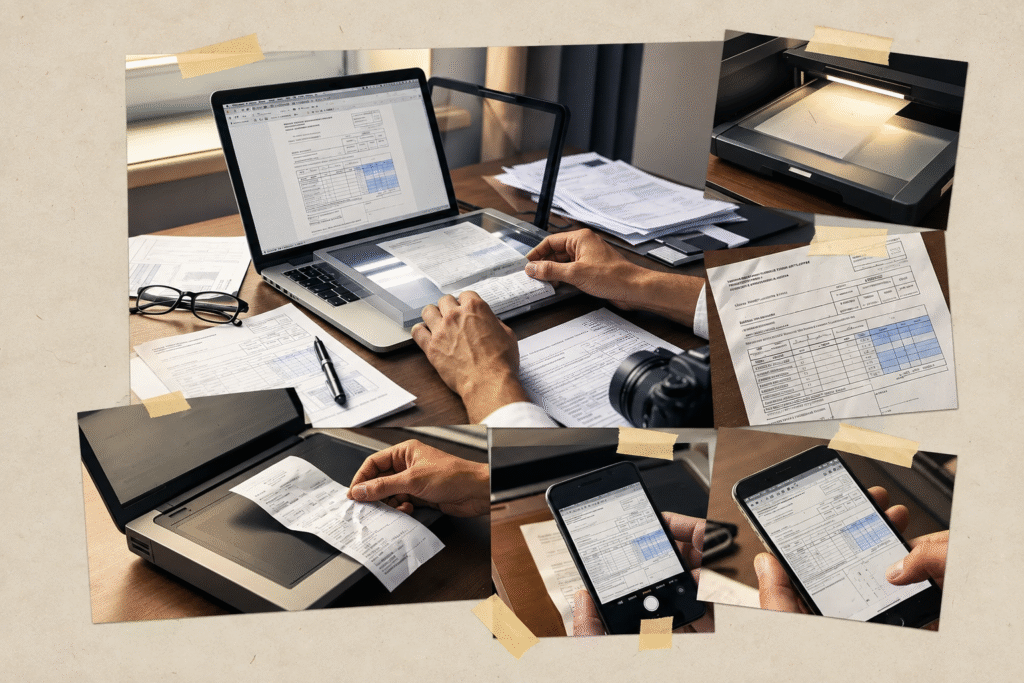
Extracting text from a scanned PDF, invoice, receipt, or image sounds straightforward—until the OCR gets words wrong, breaks the layout, or turns a clean table into a mess of misplaced text. When you’re dealing with a large number of documents, fixing those errors manually can take almost as much time as extracting the information in the first place.
That’s why choosing the best OCR software matters. A good OCR software solution should do more than recognize characters. It should accurately process different types of documents, handle complex layouts where possible, and make the extracted information easy to use afterward.
But OCR quality isn’t just about how much text a tool can recognize. Things like scan quality, tables, document formatting, and the amount of manual cleanup required can make a big difference in the final result. Whether you need PDF OCR, receipt OCR, or invoice OCR, understanding these common challenges first can help you choose an OCR tool that actually fits the way you work.
What Can Make OCR Frustrating?
OCR can save hours of manual work, but the results aren’t always as straightforward as expected. Before choosing an OCR tool, it’s worth considering a few common issues that can affect the quality of the extracted information:
- Inaccurate text from poor-quality scans: Blurry, low-resolution, skewed, or faded documents can lead to missing words, incorrect characters, and other recognition errors.
- Tables and complex layouts getting scrambled: Extracting the words is only part of the job. OCR can struggle to preserve columns, tables, headings, and other elements when working with complex documents.
- Too much manual correction: An OCR tool may extract the text successfully but still leave you with significant cleanup work if the output contains frequent errors or formatting issues.
- Missing text in images or scanned pages: Some documents contain text inside images, diagrams, or individual scanned pages that may not be recognized consistently.
- Formatting getting lost during extraction: When converting a document into editable text, the original spacing, paragraphs, columns, and overall structure may not always carry over correctly.
- Different documents require different OCR capabilities: A tool that works well for a standard PDF may not be equally useful for an invoice, receipt, or document containing handwriting. The type and quality of your documents should therefore influence which OCR solution you choose.
5 Best OCR Software Worth Considering in 2026
| OCR Software | Free Option | Why Consider It |
|---|---|---|
| Data AI Ninja | Free plan — no credit card required | A good fit if you don’t just want text from a document but need useful data from invoices, receipts, PDFs, and scanned files. It can extract specific fields and lets you review the results before exporting them, which can save you from copying information manually |
| Adobe Acrobat | 7-day free trial of Acrobat Pro | Makes sense if most of your work already involves PDFs. You can use OCR alongside PDF editing, conversion, and other document tools instead of moving between separate applications |
| ABBYY FineReader PDF | 7-day free trial; OCR conversion limited to 100 pages | Worth trying when you care about turning scanned documents into editable files while keeping the original document structure as intact as possible. It’s particularly suited to people who regularly work with scanned PDFs and paper documents |
| Tesseract OCR | Free and open source | Best suited to developers who want to build OCR into their own software without paying for an OCR subscription or API. You get a flexible OCR engine, but you’ll need to be comfortable with technical setup because it doesn’t come with its own graphical interface |
| Google Cloud Vision OCR | First 1,000 units free each month; pay-as-you-go after that | A practical option when OCR needs to be part of an application or automated workflow. It can extract printed and handwritten text from images and supports more than 200 languages, making it useful for developers handling documents at scale |
1. Data AI Ninja
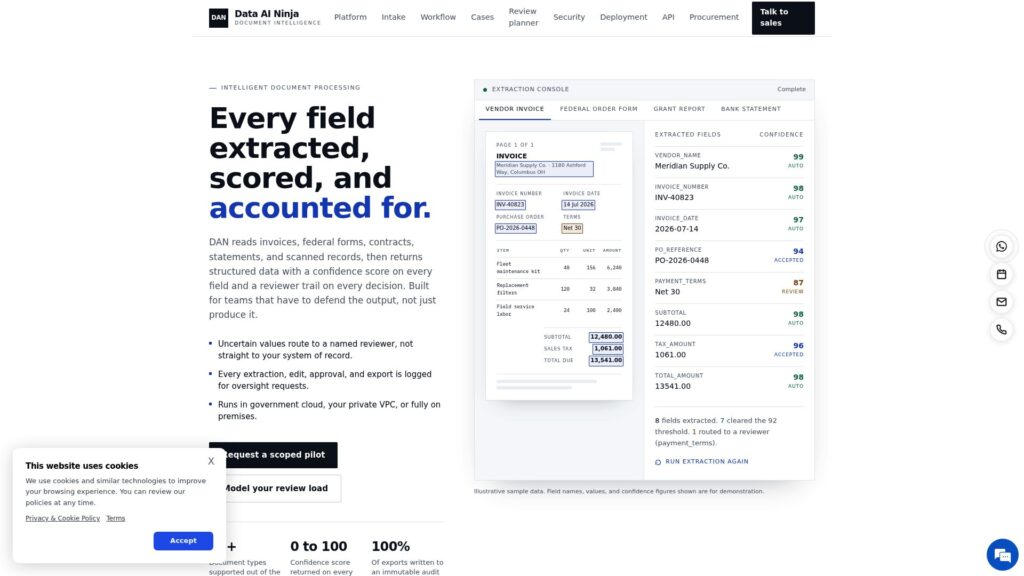
Data AI Ninja is worth considering if you’re looking for the best OCR software for more than simply copying text from a document, Data AI Ninja is worth considering. If you regularly work with invoices, receipts, PDFs, or scanned documents, simply extracting the text isn’t always enough. You may still have to find the right fields, organize the information, and enter it somewhere else manually. Data AI Ninja combines OCR with data extraction, making it more than a basic PDF data extractor or text recognition tool.
It can be particularly useful when you’re processing documents in bulk and don’t want to manually copy details such as names, invoice numbers, dates, amounts, or other important fields. Its invoice OCR and receipt OCR capabilities can help pull specific information from documents, while its broader data extraction approach focuses on getting that information into a format you can actually work with.
Pros:
- Extracts information from invoices, receipts, PDFs, and scanned documents.
- Goes beyond basic OCR by focusing on structured data extraction.
- Can reduce repetitive copy-and-paste work when processing large numbers of documents.
- Useful as a data extractor tool when you need specific information from a document rather than the entire text.
Cons:
- Not necessary if you only need simple OCR for occasional documents.
- Extraction accuracy can depend on the quality and structure of the original document.
- You may need to review extracted data before using it for important business records.
2. Adobe Acrobat
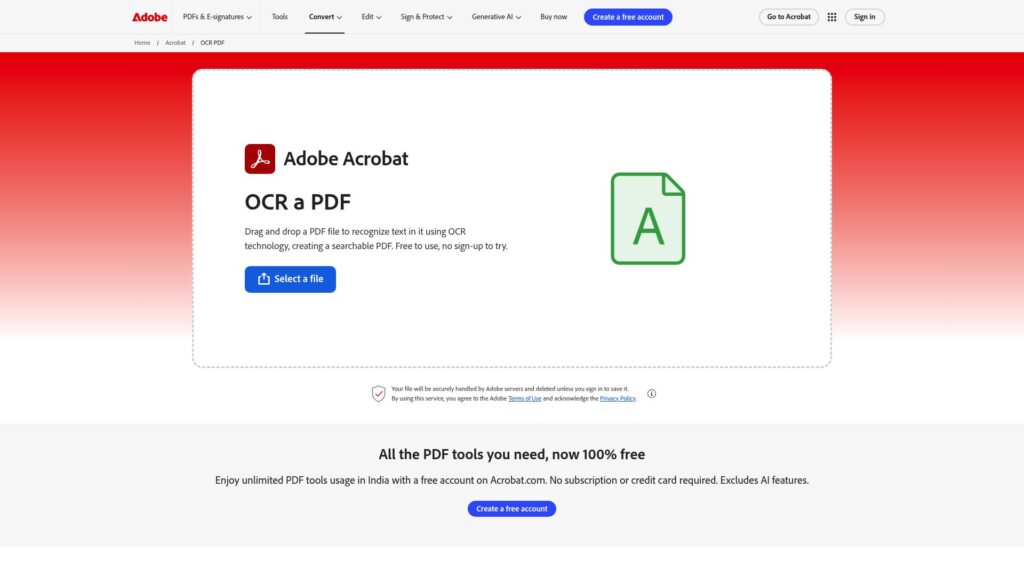
Adobe Acrobat is a practical choice if you’re looking for the best OCR software for working mainly with PDFs. Instead of using a separate PDF OCR tool just to make scanned documents searchable or editable, Acrobat lets you recognize text and continue working with the same PDF—whether you need to edit it, convert it, organize pages, or share it.
Its OCR can be particularly useful when you’re dealing with scanned contracts, reports, forms, or other documents that you need to turn into editable PDFs. For someone who wants OCR software alongside a complete PDF editor, having both in the same application can save you from switching between different tools.
Pros:
- Converts scanned PDFs into searchable and editable documents.
- OCR is built directly into a broader PDF editing workflow.
- Useful for working with scanned contracts, forms, reports, and other business documents.
- Lets you continue editing or organizing the PDF after text recognition.
Cons:
- The full OCR and editing experience requires a paid Acrobat plan after the trial.
- More than you need if you only want occasional text extraction.
- Complex tables and heavily formatted documents may still need manual corrections after OCR.
3. ABBYY FineReader PDF
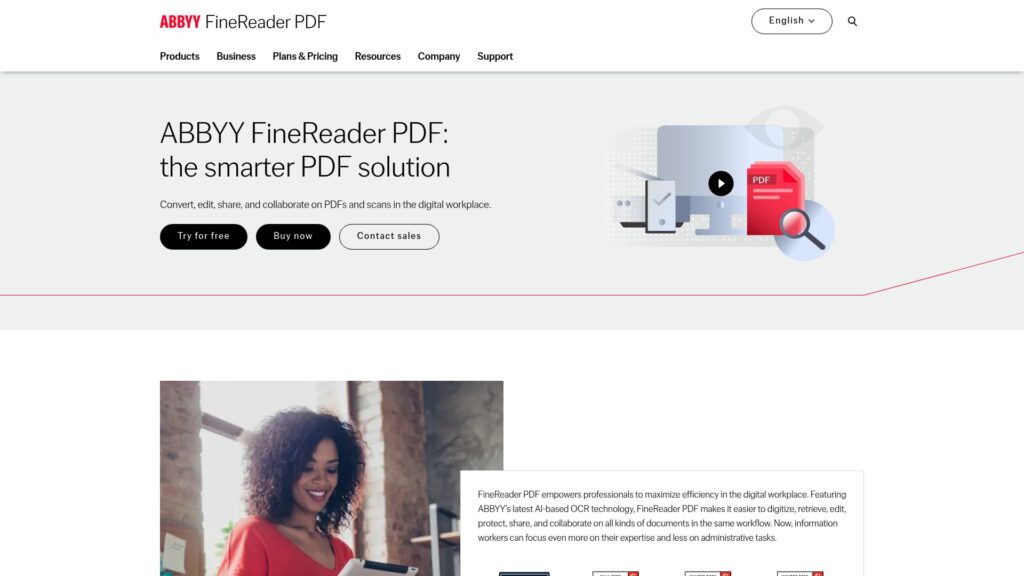
ABBYY FineReader PDF is designed for people who need to turn scanned documents and PDFs into editable, searchable files without losing too much of the original structure. If you’re comparing the best OCR software for working with business documents, reports, contracts, or archived scans, FineReader is worth considering because it focuses heavily on document recognition and conversion.
It can recognize text from scanned pages and convert it into formats you can continue editing, while attempting to preserve elements such as tables, columns, and formatting. That makes it a useful option when a basic PDF OCR tool isn’t enough and you need the converted document to remain reasonably close to the original. If you’re looking for free OCR software, ABBYY also offers a trial, although the full feature set is paid.
Pros:
- Converts scanned PDFs and images into editable and searchable documents.
- Designed to preserve document layouts, tables, and formatting during conversion.
- Useful for processing business documents, contracts, reports, and archived paper files.
- Supports multiple output formats for continued editing and sharing.
Cons:
- The full-featured version requires a paid plan after the trial.
- May be unnecessary if you only need occasional OCR for simple documents.
- Complex or poor-quality scans can still require manual corrections after conversion.
4. Tesseract OCR
Tesseract OCR is a free, open-source OCR engine developed for people who want to add text recognition to their own applications and workflows. If you’re searching for the best OCR software for a development project, it can be an appealing option because you can use and customize the engine without paying for a commercial OCR subscription.
Unlike tools such as Adobe Acrobat or ABBYY FineReader PDF, Tesseract isn’t designed as a ready-to-use document editor. It works better when you have some technical knowledge and want to build OCR into your own software, automate document processing, or extract text from images programmatically.
Pros:
- Completely free and open source.
- Can be integrated into custom applications and automated workflows.
- Supports multiple languages.
- Gives developers more control over how OCR is implemented.
- A practical option when you need free OCR software without a commercial subscription.
Cons:
- Requires technical knowledge to install, configure, and use effectively.
- Doesn’t provide the polished interface of commercial OCR software.
- Output quality can depend heavily on image quality and preprocessing.
- Complex document layouts and structured data may require additional processing.
5. Google Cloud Vision OCR
Google Cloud Vision OCR is a good option if you need OCR as part of an application or automated document workflow rather than as a standalone desktop tool. It can recognize printed and handwritten text from images, making it useful for businesses and developers who need to process documents programmatically.
If you’re comparing the best OCR software for a larger workflow, Google Cloud Vision is worth considering when you need an API that your own application can connect to. It can handle text recognition at scale and supports a wide range of languages, but setting it up is more technical than using a traditional OCR software application.
Pros:
- Supports both printed and handwritten text recognition.
- Can be integrated into websites, applications, and automated workflows.
- Suitable for processing large volumes of images through an API.
- Supports OCR for a wide range of languages.
- Offers a free monthly usage allowance, making it possible to test the service before paying for higher usage
Cons:
- Requires technical knowledge to set up and use the API.
- Not designed as a simple desktop PDF editor.
- Costs can increase as your document or image processing volume grows.
Frequently Asked Questions (FAQs)
1. Why does OCR give me incorrect text from a scanned document?
OCR accuracy depends heavily on the quality of the original document, even when you’re using the best OCR software. Adobe Acrobat and ABBYY FineReader PDF are suitable for common scanned documents, while Tesseract OCR can also work well when the image is properly preprocessed. For automated workflows, Google Cloud Vision OCR can recognize printed and handwritten text, while Data AI Ninja is useful when you need to extract usable information from business documents rather than simply recognize text.
2. Why does OCR mess up tables and columns?
Tables and multi-column layouts can cause OCR software to recognize the text correctly but arrange it incorrectly. When comparing the best OCR software for documents with complex layouts, preserving the original structure can be just as important as text accuracy. ABBYY FineReader PDF is a strong option for this, while Adobe Acrobat can also handle structured PDFs. Tesseract OCR may require additional processing when you’re dealing with complex layouts.
3. Why is OCR missing text from some pages or images?
Text can be missed when pages are blurry, faded, low-resolution, or contain text inside images. Google Cloud Vision OCR can recognize text from images and supports both printed and handwritten text. Adobe Acrobat and ABBYY FineReader PDF are more suitable when you’re working with scanned PDFs, while Tesseract OCR may require image preprocessing to improve recognition. If you’re processing business documents through Data AI Ninja, reviewing the extracted results is still important, especially when the source document is poor quality.
4. Can OCR preserve the formatting of my original document?
Yes, some OCR tools are better at preserving formatting than others. If preserving the original layout is important when choosing the best OCR software, ABBYY FineReader PDF is designed to retain elements such as tables, columns, and document structure during conversion. Adobe Acrobat is also useful when you want to OCR a PDF and continue editing the document afterward. With Tesseract OCR or Google Cloud Vision OCR, preserving the original document layout may require additional processing rather than happening automatically.
5. What should I look for if I need OCR for large numbers of documents?
For bulk processing, look beyond basic text recognition. Data AI Ninja is worth considering when you need to extract specific information from large numbers of invoices, receipts, PDFs, or scanned documents. Google Cloud Vision OCR is better suited to developers who need OCR through an API and want to connect it to an automated workflow. Tesseract OCR can also be integrated into custom systems without a commercial OCR subscription, but it requires more technical setup.
6. Is OCR enough if I need specific information from invoices or receipts?
Not always. If you only need the text from an invoice or receipt, standard OCR may be enough. But if you need specific fields such as invoice numbers, dates, totals, or vendor information, Data AI Ninja is more directly suited to this type of structured data extraction, including invoice OCR and receipt OCR. Tools such as Adobe Acrobat and ABBYY FineReader PDF can recognize and convert the document, but you may still need to organize the extracted information yourself.
Conclusion
Choosing the best OCR software depends less on simply recognizing text and more on what you need to do with that text afterward.
If you mainly work with PDFs, Adobe Acrobat gives you OCR alongside a broader PDF editing workflow. ABBYY FineReader PDF is worth considering when preserving document structure, tables, and formatting matters. Tesseract OCR is a practical choice for developers who want a free, open-source OCR engine, while Google Cloud Vision OCR fits applications that need OCR through an API.
If your work involves invoices, receipts, scanned documents, or extracting specific information rather than just copying text, Data AI Ninja takes a more data-extraction-focused approach.
Before choosing a tool, consider the types of documents you’ll process, the amount of manual correction you’re willing to do, whether you need structured data, and whether you need a standalone application or an API. The right OCR solution is the one that fits your actual workflow—not simply the one that recognizes the most text.

Harman Singh is the founder of Foundigy and a digital marketing professional building his career in SEO, content, and the technology space. He is passionate about discovering emerging products, understanding how people find them online, and creating content that makes complex digital topics easier to understand. His work combines his experience in SEO with his interest in startups, technology, and the evolving digital landscape.