6 Best Synthesia Alternatives in 2026: Compared & Reviewed
AI avatar tools can look impressive when you’re watching a polished demo.
But once you start building something yourself, the small details matter a lot more. Does the lip-sync stay in sync with the voice? Do the facial expressions and movements look natural, or does the avatar still feel artificial? Can you create a character that actually fits your brand, or are you limited to the avatars the platform provides? And if you want the AI avatar to do more than read a script, can it hold a real conversation, connect to an LLM, use your own data, or work with the systems you already have?
Those questions matter even more when you’re building something people will actually use. You may need an avatar that can respond in real time, follow a specific conversational flow, or behave differently depending on what the user asks. Or you may simply want better control over the character, voice, appearance, and overall experience without paying for features you don’t need.
Synthesia is still one of the better-known names in this space, particularly for business video and training content. But as people use AI avatars for more than scripted presentations, their expectations are changing too. So before we get into the Synthesia alternatives, let’s look at where Synthesia may fall short and why you might want to consider a Synthesia alternative.
Why Should You Consider Leaving Synthesia?
Synthesia can be a solid choice when you mainly want an AI presenter to turn your scripts into professional-looking videos. But as your needs grow, you may start running into situations where Synthesia doesn’t give you quite the experience you’re looking for. If you’re considering a Synthesia alternative, these are some of the common reasons you might start looking elsewhere.
- The avatar may start feeling too artificial. Synthesia’s avatars can look realistic at first, but longer videos make small details easier to notice. Some users point to stiff expressions, unnatural movement, or that “almost human” feeling that becomes more noticeable the longer you watch.
- Lip-sync becomes more important when you’re producing videos regularly. Synthesia can produce good results, but small problems with mouth movement can still make the presenter feel less natural. If you’re creating a lot of content, these little inconsistencies can become difficult to ignore.
- You may want your avatar to do more than create scripted videos. Synthesia is built around turning prepared scripts into videos, but you might want an avatar that can listen, understand questions, respond in real time, or connect with an LLM. That’s a very different requirement from a traditional Synthesia workflow.
- You may want more control over the character. Synthesia gives you a range of professional presenters, but that won’t necessarily work for every project. You might need a specific appearance, personality, voice, or behavior that feels more closely connected to your brand or product.
- Your requirements can change once the avatar becomes part of your product. If you’re using Synthesia for a website, app, LMS, customer-support system, or another workflow, you may eventually need more than video generation. APIs, integrations, your own data, and control over how the avatar behaves can become much more important.
- The pricing can become harder to justify as your usage grows. Synthesia may work perfectly well when you’re creating a few videos, but producing content regularly, testing different versions, or creating videos at scale makes the amount you’re spending much more noticeable.
The point isn’t that Synthesia can’t get the job done. It can. But once your needs move beyond scripted videos, you may find yourself looking for an AI avatar platform that gives you more flexibility, control, or interaction. That’s where the right Synthesia alternative can start making more sense for your particular use case.
6 Best Synthesia Alternatives: Quick Comparison
| Platform | Best for | Why consider it |
|---|---|---|
| HeyGen | Marketing, sales, and realistic AI avatar videos | Consider HeyGen if you want more natural-looking presenters, voice cloning, and a workflow that works well for marketing and personalized video content. |
| Colossyan | Training and learning content | Consider Colossyan if your videos are mainly for training and you need features such as interactive scenarios, quizzes, branching, and LMS-focused workflows. |
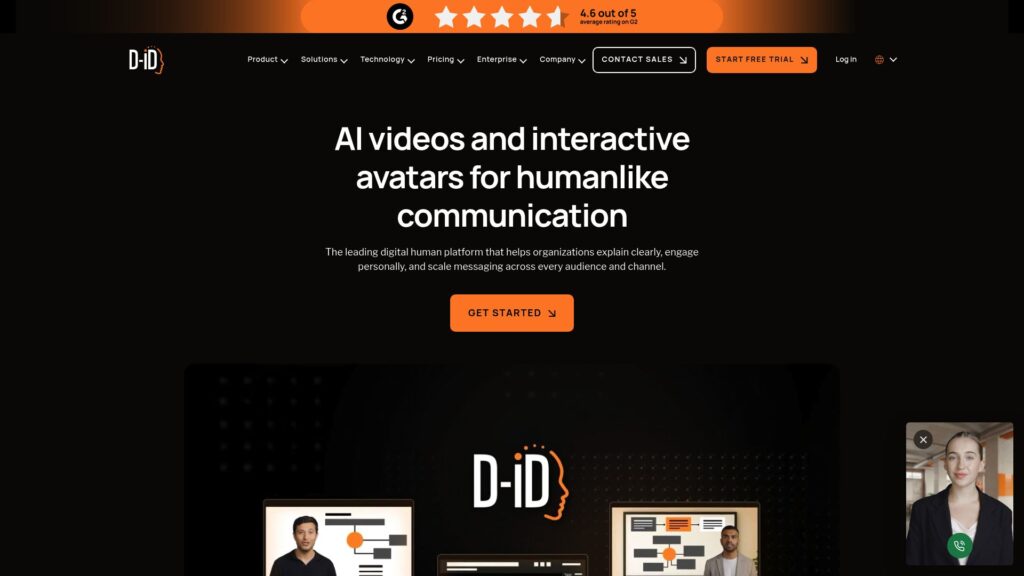
| D-ID | Talking avatars and API-based experiences | Consider D-ID if you want to turn images into talking avatars or build avatar experiences into your own website, app, or workflow through its API. |
| Tavus | Real-time conversational avatars | Consider Tavus if you want to move beyond scripted videos and build AI avatars that can have real-time conversations and work with your own applications or AI systems. |
| DeepBrain AI | AI presenters and business video | Consider DeepBrain AI if you want realistic digital presenters for business communication, training, presentations, or more specialized digital-human experiences. |
| Mimic AI Studio | AI friends, influencers, and mascots | Consider Mimic AI Studio if you want to create a more customizable digital character that can interact with people, rather than using an avatar mainly as a scripted presenter. |
1. HeyGen: Best for Realistic AI Avatars & Video Creation
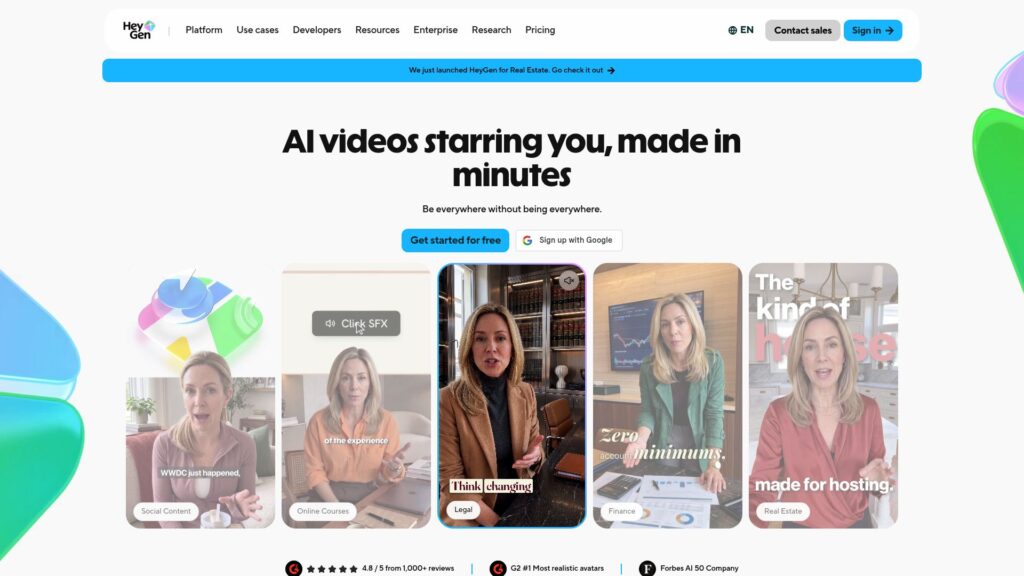
HeyGen is an AI video platform that lets you create videos with digital avatars without having to record yourself. You can choose an existing avatar or create your own, write your script, and generate a video with a voice and presentation style that fits the content. It also supports voice cloning, video translation, and personalized videos, so you’re not limited to making the same type of scripted presenter video every time.
What makes HeyGen interesting as a Synthesia alternative is the wider range of situations you can use it for. You can create training and business videos, but you can also use it for marketing content, product explainers, social media videos, personalized outreach, and other content where having a digital presenter makes sense. If you’re looking for something that gives you more room to experiment with how an AI avatar is used, HeyGen is worth considering.Pricing:
- Free: $0/month — 3 videos per month, up to 1 minute each
- Creator: $29/month — 600 credits, videos up to 30 minutes, voice cloning and 175+ languages
- Pro: $49/month — 1,000+ credits, 4K export and additional advanced features
- Business: $149/month — 1,500 credits, 5 custom avatars, collaboration, SCORM, LMS integrations and more
What Users Say:
The feedback around HeyGen is generally positive when it comes to ease of use, avatar quality, and how quickly you can get a professional-looking video out. G2 reviewers frequently mention the realistic avatars and simple workflow, while some users who have used HeyGen for larger projects say it works particularly well for talking-head and explainer content.
The main complaints tend to come once you start using it heavily. Users mention credit limits, rendering issues, and occasional problems with avatar consistency or the interface. Some creators also feel that the newer credit-based pricing makes high-volume production harder to manage.
Pros:
- Realistic AI avatars and digital twins
- Simple workflow for creating professional videos
- Voice cloning and a large language selection
- Useful for marketing, explainers, presentations, and social content
- Supports longer videos than the free plan
- API options allow you to connect video generation with your own applications and workflows
Cons:
- Credit-based pricing can become expensive for frequent video production
- Heavy users may need to keep a close eye on credit consumption
- Some users report rendering glitches or inconsistent avatar results
Synthesia vs. HeyGen: Quick Comparison
| Synthesia | HeyGen | |
|---|---|---|
| Avatar focus | Professional AI presenters and business videos | AI presenters, digital twins, and more varied video creation |
| Video creation | Strong for scripted business and training videos | Strong for scripted videos, marketing, social content, and explainers |
| Avatar customization | Custom avatars and a large presenter library | Digital twins, custom avatars, photo avatars, and more customization options |
| Voice & languages | Large selection of voices and languages | Voice cloning plus 175+ languages and dialects on paid plans |
| Realism & movement | Designed for polished business presentations | Strong focus on realistic avatars and expressive video generation |
| Integrations | Strong business and LMS-oriented workflows | API, LMS, CRM, automation, and other integrations depending on plan |
| Why switch? | — | Switch to HeyGen if Synthesia feels too focused on traditional business presentations and you want more freedom to create marketing, social, personalized, or digital-twin videos with greater avatar customization |
2. Colossyan: Best for Training and Learning Videos
Pricing:
- Starter: Free — 20 video minutes/month, 15 custom avatars, 3 cloned voices, interactive videos, and 120+ languages.
- Professional: $59/month when billed annually — 30 NEO minutes + 10 NEO2 minutes/month, SCORM exports, watermark removal, and up to 3 editors.
- Enterprise: Custom pricing — unlimited NEO minutes, custom NEO2 allowance, advanced collaboration, API access, and enterprise features.
What Users Say:
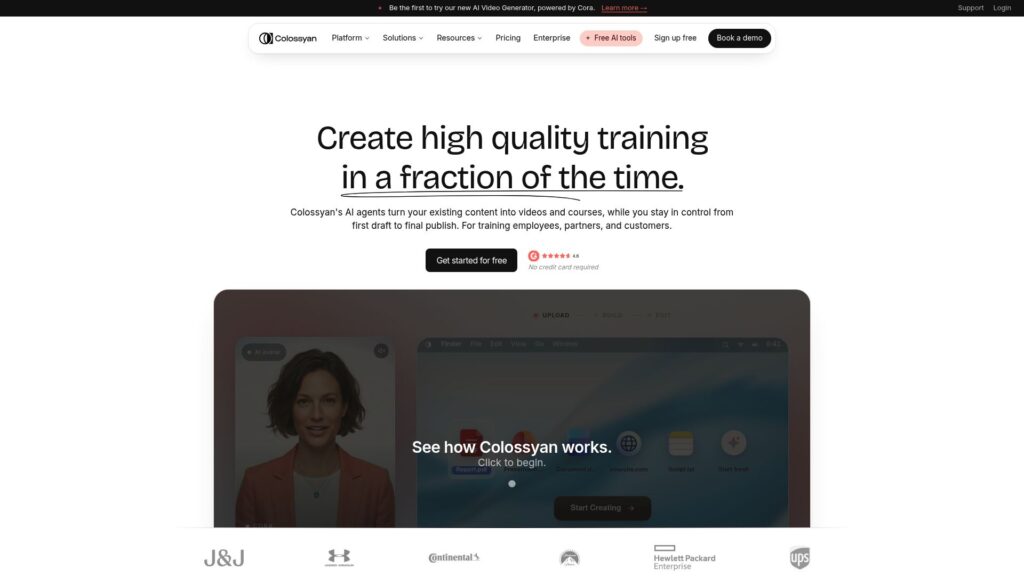
Users generally like Colossyan for its straightforward video creation process and training-focused features. Reviews often highlight the ease of creating training content, the range of avatars and languages, and features such as quizzes and interactive scenarios.
The main limitations tend to appear around avatar realism, editing flexibility, and occasional issues with the overall video-generation experience. So while Colossyan can be a practical choice for training teams, it may not be the first choice if your priority is highly realistic AI avatars or more creative video production.
Pros:
- Strong focus on employee training and learning content
- AI avatars and voiceovers make course creation faster
- Interactive quizzes and branching scenarios
- Useful LMS and SCORM support
- Multiple languages and presenters
- Good fit for teams creating training content regularly
Cons:
- More focused on training than general-purpose video creation
- Avatar expressions and movements can still feel artificial
- Some editing capabilities may feel limited compared with traditional video tools
- Advanced features can require higher-tier plans
Synthesia vs. Colossyan: Quick Comparison
| Synthesia | Colossyan | |
|---|---|---|
| Primary focus | Business, training, presentations, and scripted videos | Training, onboarding, education, and workplace learning |
| AI avatars | Large library of professional presenters | AI presenters designed heavily around learning content |
| Interactive content | Supports interactive video experiences | Quizzes, branching scenarios, and interactive learning features |
| Training workflows | Strong business and training capabilities | More specifically focused on training and learning workflows |
| LMS support | LMS and enterprise integrations | LMS integrations and SCORM-focused workflows |
| Video customization | Broad business video customization | More focused on building structured learning videos |
| Why switch? | — | Consider Colossyan if you're mainly using Synthesia for employee training, onboarding, or learning content and want built-in interactive elements and training-focused workflows rather than a broader business-video platform |
3. D-ID: Best for Talking Avatars & Interactive Experiences
Pricing:
What Users Say:
Users generally like D-ID for how quickly it can turn a photo or character into a talking avatar and for the simplicity of getting an AI presenter working. It’s particularly useful when you want to experiment with different characters rather than relying entirely on a fixed presenter library.
The experience isn’t perfect, though. Some users have pointed out limitations around facial movement, voice quality, and the realism of the final output. So while D-ID can be interesting for interactive projects, it may not always give you the polished corporate-video experience you would expect from Synthesia.
Pros:
- Create talking avatars from images
- Supports real-time interactive avatar experiences
- API access for developers building avatar experiences
- Useful for websites, applications, education, and customer-facing experiences
- Supports multiple languages and voices
- More flexibility around creating your own characters
Cons:
- Avatar realism can vary depending on the source image and generation
- Facial expressions and movements can sometimes feel artificial
- Less focused on traditional corporate training than Synthesia
- Some advanced capabilities require technical integration
Synthesia vs. D-ID: Quick Comparison
| Synthesia | D-ID | |
|---|---|---|
| Avatar focus | Professional AI presenters | Talking avatars and interactive digital people |
| Video creation | Scripted business and training videos | Talking-avatar videos and interactive experiences |
| Avatar creation | Professional avatar library and custom avatars | Create talking avatars from images and characters |
| Interaction | Primarily focused on scripted video | Real-time conversational avatar experiences |
| Developer access | Business and enterprise integrations | API-focused options for building custom experiences |
| Use cases | Training, presentations, onboarding, business videos | Interactive websites, education, customer experiences, and digital characters |
| Why switch? | — | Consider D-ID as a Synthesia alternative if you want AI avatars that can talk with people in real time without relying entirely on pre-written scripts, especially when you want to build that experience into your own website or application |
4. Tavus: Best for Real-Time Conversational AI Avatars
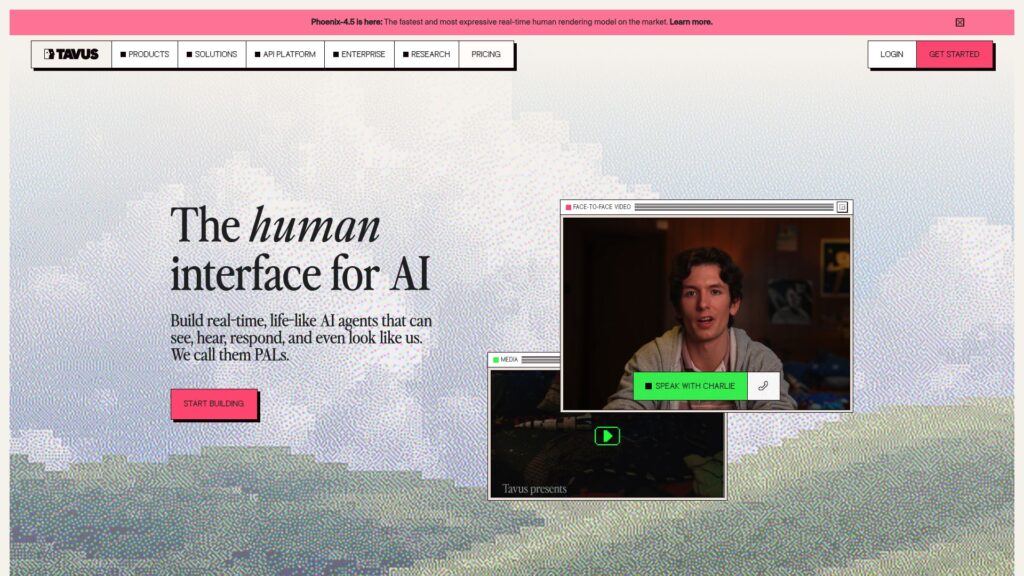
Tavus takes AI avatars in a different direction from traditional video-generation platforms. Instead of simply creating a video from a script, Tavus lets you build AI humans that can have real-time conversations with users through its Conversational Video Interface (CVI). The platform combines video, voice, language models, perception, and real-time interaction so the avatar can respond dynamically rather than just delivering a pre-written presentation.
That makes Tavus an interesting Synthesia alternative if you’re looking for AI avatars that can actually interact with people. You can use it for things like AI sales representatives, customer support, onboarding, education, personalized communication, or interactive experiences inside your own product. Tavus also provides APIs, custom replicas, knowledge-base grounding, memories, objectives, and guardrails for more advanced applications.
Pricing:
- Free: $0/month — 20 minutes of Conversational Video.
- Starter: $22/month — 60 minutes of Conversational Video.
- Builder: $59/month — 175 minutes of Conversational Video, with pay-as-you-go overage.
- Growth: $397/month — 1,300 minutes of Conversational Video, with pay-as-you-go overage.
- Business: $975/month — 4,000 minutes of Conversational Video, with pay-as-you-go overage.
- Enterprise: Custom pricing — volume discounts and enterprise plans.
What Users Say:
Recent G2 reviewers specifically mention how easily Tavus can create personalized videos at scale and how the results can retain a more human feel than expected.
The complaints are different too. Some reviewers mention a learning curve, pricing that can become expensive, and the need to tweak generated output to get the result they want.
Pros:
- Built for real-time conversational AI avatars
- Custom AI replicas and digital humans
- API access for integrating avatars into your own product
- Knowledge-base and memory capabilities
- Useful for sales, support, education, onboarding, and interactive experiences
- Supports 30+ languages
Cons:
- More complex than a straightforward script-to-video platform
- Pricing can become expensive as conversational usage increases
- Advanced use cases require more technical setup
- May be unnecessary if you only need simple scripted video
Synthesia vs. Tavus: Quick Comparison
| Synthesia | Tavus | |
|---|---|---|
| Main use | Scripted business, training, and presentation videos | Real-time conversational AI experiences |
| Avatar focus | Professional AI presenters and custom avatars | Interactive AI humans and custom replicas |
| Interaction | Mainly designed for pre-scripted video | Real-time conversations with users |
| Customization | Custom avatars, voices, templates, and business video workflows | Custom replicas, personas, memories, objectives, and guardrails |
| Developer options | APIs and business integrations | APIs designed for embedding conversational avatars into products |
| Ideal use case | Training, onboarding, presentations, and corporate communication | AI sales agents, support, onboarding, education, and interactive products |
| Why switch? | — | Consider Tavus if you want an AI avatar that can actually interact with users in real time instead of simply delivering a pre-written script |
5. DeepBrain AI: Best for AI Presenters & Business Videos
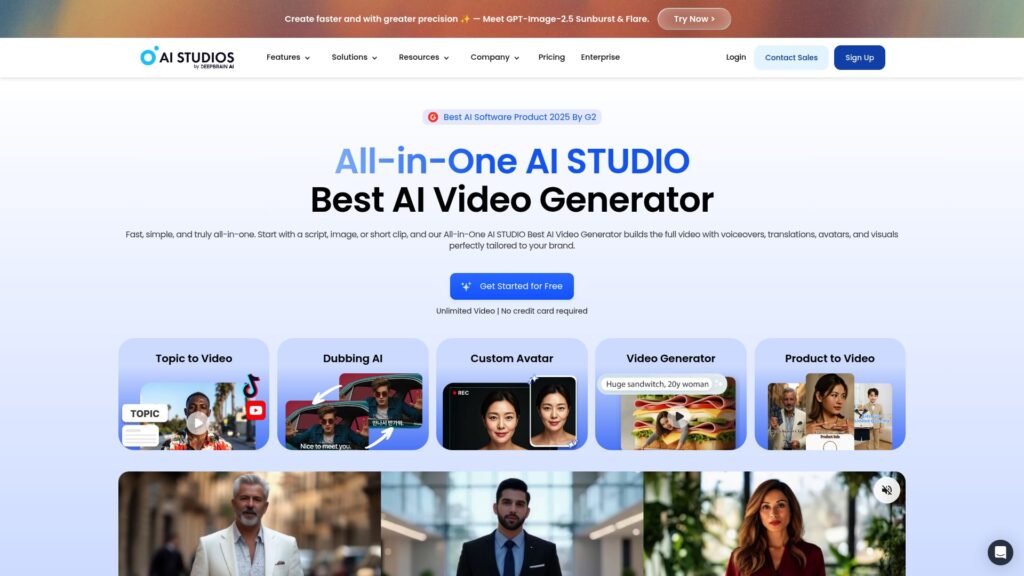
DeepBrain AI is built around AI presenters that can turn scripts and other content into professional videos. Its AI Studios platform offers digital presenters, voice generation, video templates, translation, and other tools for creating training, educational, marketing, and business content without filming a real person.
If you’re looking for a Synthesia alternative because you want realistic AI avatars while still keeping a familiar script-to-video workflow, DeepBrain AI is worth considering. It is particularly suited to business and educational content, so it can make sense for users who want something similar to Synthesia but want to explore another AI video platform and presenter library.Pricing:
What Users Say:
Users generally like AI Studios for its ease of use, speed, and avatar quality. G2 reviewers frequently mention that the platform makes it relatively easy to create professional-looking videos without extensive editing experience. Some users also highlight the realistic presenters and time saved compared with traditional video production.
The main complaints are around pricing, limited avatar selection, editing limitations, and occasional slow generation or AI-output issues. So while DeepBrain AI can be useful for regular business video production, you may want to compare the available customization and editing options with other Synthesia competitors before committing.
Pros:
- Realistic AI presenters
- Easy-to-use video creation workflow
- Useful for training, education, and business videos
- Multiple languages and AI voices
- Video translation capabilities
- Can reduce the need for traditional filming
Cons:
- Some users find the pricing expensive
- Avatar selection can feel limited
- Editing options may not be enough for more complex projects
- AI-generated content can occasionally need corrections
- Video generation can be slow at times
Synthesia vs. DeepBrain AI: Quick Comparison
| Synthesia | DeepBrain AI | |
|---|---|---|
| Main use | Scripted business, training, and presentation videos | AI presenter videos for business, education, training, and marketing |
| Avatar focus | Professional AI presenters and custom avatars | AI humans and digital presenters |
| Video creation | Script-to-video with business-focused templates and workflows | Script-to-video with AI presenters, templates, and video-generation tools |
| Customization | Custom avatars, voices, templates, and business video workflows | AI presenters, voices, templates, and customization options |
| Languages | Large selection of languages and voices | Multiple languages and AI voices |
| Ideal use case | Corporate training, presentations, onboarding, and business communication | Training, education, presentations, marketing, and business communication |
| Why switch? | — | Consider DeepBrain AI if you want a Synthesia alternative with realistic AI avatars and a similar business-video workflow, while giving you another option for training, educational, and marketing content. |
6. Mimic AI Studio: Best for AI Characters, Influencers & Mascots
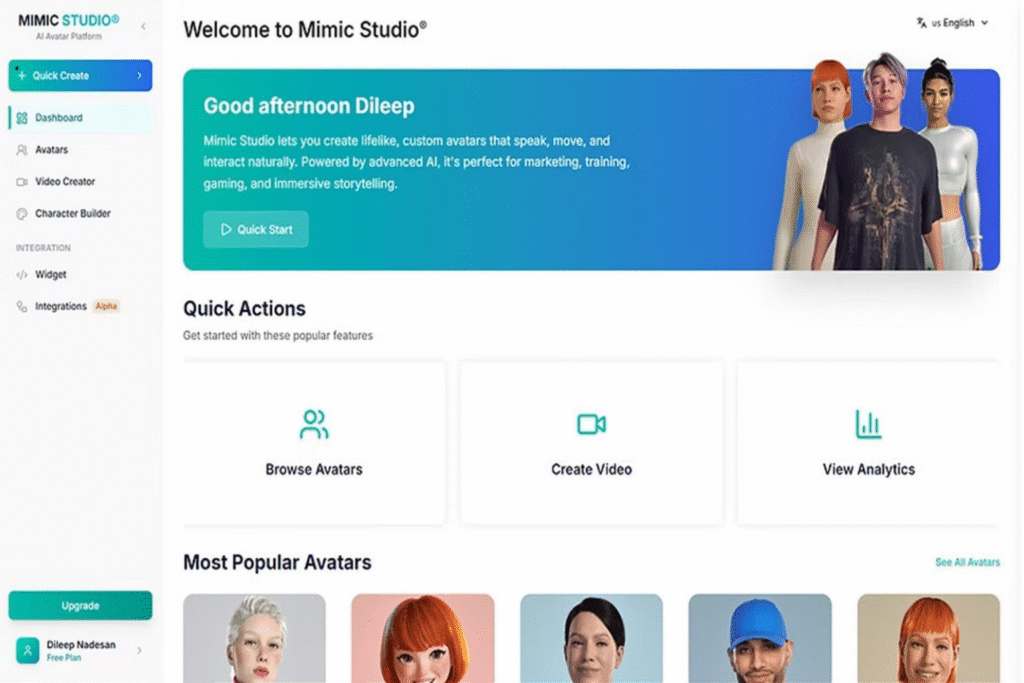
Mimic AI Studio takes a different approach from traditional AI video platforms. Instead of focusing mainly on business presenters, it is built around creating AI friends, influencers, and mascots that can represent a character, personality, or brand. That makes it interesting if you’re looking for a Synthesia alternative that gives you a more character-driven approach to AI avatars.
If you want to move beyond standard scripted presenter videos, Mimic AI Studio gives you another direction to explore. It can make more sense for creators, brands, and projects that want an interactive digital character rather than a corporate presenter. As a result, it’s a less conventional option among Synthesia alternatives, but one worth considering if your use case is more focused on characters and engagement. Discover more about Mimic AI Studio.
Pricing:
Mimic AI Studio offers paid plans based on the features and usage you need. Check the current Mimic AI Studio pricing for the latest plans and limits.
What Users Say:
Mimic AI Studio is a newer platform, so there is less independent review coverage available compared with established Synthesia competitors.
Pros:
- Built around AI friends, influencers, and mascots
- More character-focused than traditional AI presenter platforms
- Useful for creative and branded digital characters
- Different approach to AI avatars
Cons:
- Smaller track record than established platforms
- Less focused on traditional corporate training
- Independent user reviews are still limited
- May not be suitable if you mainly need straightforward business presentation videos
Synthesia vs. Mimic AI Studio: Quick Comparison
| Synthesia | Mimic AI Studio | |
|---|---|---|
| Main use | Scripted business, training, and presentation videos | AI friends, influencers, and mascots |
| Avatar focus | Professional AI presenters and custom avatars | Character-driven AI avatars |
| Ideal use case | Training, onboarding, presentations, and corporate communication | AI characters, influencers, mascots, and interactive digital experiences |
| Why switch? | — | Consider Mimic AI Studio as a Synthesia alternative if you want a character-driven AI avatar rather than a traditional corporate presenter, especially for AI friends, influencers, or mascots |
Frequently Asked Questions (FAQs)
1. Who actually has the most realistic AI avatar right now?
If realism is your main priority, HeyGen, Tavus, and DeepBrain AI are the strongest options to look at from this list. HeyGen is particularly focused on realistic presenters and digital twins, while Tavus is built around conversational AI humans and DeepBrain AI focuses heavily on realistic digital presenters. The best choice ultimately depends on whether you need a presenter for videos or an avatar that can actually interact with users.
2. What’s the best talking-head avatar video tool?
For straightforward talking-head videos, HeyGen is one of the most flexible options here. It combines AI presenters, digital twins, voice cloning, multiple languages, and video creation tools in one platform. Synthesia remains a strong option for polished business and training videos, while DeepBrain AI is another alternative if you want a similar script-to-video workflow.
3. What’s the best AI avatar for corporate video narrations in 2026?
For corporate narration, HeyGen, Colossyan, and DeepBrain AI are the most relevant platforms from this list. DeepBrain AI is well suited to scripted business presentations, while HeyGen gives you more flexibility for marketing and other video formats. If training and onboarding are your main focus, Colossyan is worth considering because its workflow is more specifically built around learning content. If you’re comparing Synthesia alternatives, these platforms give you different options depending on how you plan to use your AI avatars.
4. What AI video generator can create an avatar that talks naturally with good lip-sync?
If natural-looking talking avatars and lip-sync are important, HeyGen, DeepBrain AI, D-ID, and Tavus are worth comparing. HeyGen and DeepBrain AI focus heavily on presenter-style videos, while D-ID gives you more freedom to create talking characters from images. Tavus is different because the avatar can respond dynamically during a conversation rather than simply following a fixed script, making it an interesting Synthesia alternative for more interactive AI avatar experiences.
5. Is there an AI avatar tool that can respond to people in real time?
Yes. Tavus and D-ID are the clearest options from this list if real-time interaction is what you need. Tavus is specifically built around conversational AI avatars that can respond dynamically, while D-ID supports interactive avatar experiences through its platform and APIs. If your goal is to build an AI character that actually talks with users rather than simply producing videos, these are more suitable Synthesia alternatives than traditional script-to-video platforms.
Conclusion
The right Synthesia alternative really depends on what you want your AI avatar to do.
If you mainly need realistic presenters for marketing, social content, or general video creation, HeyGen gives you plenty of flexibility. For training, onboarding, and learning content, Colossyan is a more specialized option. DeepBrain AI is worth considering if you want realistic AI presenters for business and educational videos, while D-ID makes more sense when you want to turn images or characters into talking avatars and build interactive experiences.
If you’re moving beyond traditional scripted videos, Tavus takes things further with real-time conversational AI avatars. And if your project needs something more character-driven, Mimic AI Studio offers a different approach built around AI friends, influencers, and mascots.
So instead of looking for one universal winner, start with the experience you actually want to create. Whether you need a corporate presenter, training avatar, conversational AI human, or a branded digital character, there are now enough Synthesia alternatives to choose a platform around your specific use case rather than forcing your project into one workflow.

Harman Singh is the founder of Foundigy and a digital marketing professional building his career in SEO, content, and the technology space. He is passionate about discovering emerging products, understanding how people find them online, and creating content that makes complex digital topics easier to understand. His work combines his experience in SEO with his interest in startups, technology, and the evolving digital landscape.